Create structured with multi-level document management and color tags for quick highlights. Add password protection for secure notes. Sync across Mac, iPhone, and iPad using iCloud. Share documents and use intuitive gestures for editing.
Add timestamps to photos and videos with precise second accuracy. Customize time format, font, color, and size. Save modified files and export for printing or DVD burning.
Connect to WiFi printers to documents, photos, PDFs, and scans. Share files directly from your iPhone. No cables or desktop required. business reports, contracts, or personal photos instantly.
Track history with detailed records of services, parts, and costs. Set and manage service due dates. Archive completed vehicles. Add information including VIN, license plate, and odometer readings. View schedules and update details.
Create print-ready labels, stickers, and cards using customizable templates or from scratch. Choose from round, square, or rectangle layouts. Drag, drop, resize, and rotate design elements. Add text, shapes, and images.
Create custom labels with font, symbol, border, icon, picture, and doodle editing tools. Connect to NIIMBOT printers via Bluetooth. Manage label collections and access a user plaza for sharing and organizing.
The app allows users to print their iPhone calendar and reminders to any printer. Users can email calendar views as PDF files and print maps with driving directions for appointments.
Print documents and photos from iOS devices. Scan and annotate documents. Choose from supported printers to print. Create and print text notes. Edit scanned content before printing. Requires subscription for full features.
Manage songs and setlists with unlimited storage and tagging. Create or import songs from the web. Organize lyrics, chords, and notes. Edit songs with transposing, autoscrolling, and Bluetooth pedal control.
Documents, websites, and photos directly to Wi-Fi printers. Choose from various layouts and customize printouts. Support includes PIXMA MP990, MP640, MP560, and MX340 series. Design and create custom printouts with layout options.
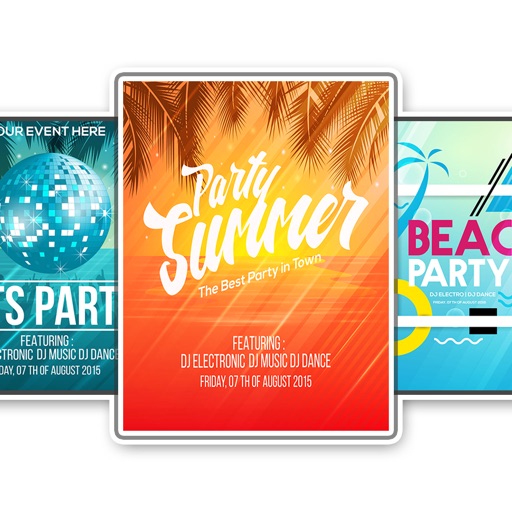
Create flyers, logos, and graphics with customizable templates and icons. Edit designs with professional tools. Upload or use images from a library. Export files for print or online publishing.
Documents and create PDFs with one tap. Edit text, add comments, and annotate pages. Convert files to PDF and export in multiple formats. directly via , iPrint, HP Smart, Canon, Epson, Brother, and more. Share documents via email or cloud services.
Access and manage PST files directly on your device without requiring a server connection. Open multiple PST files from iTunes, Dropbox, or other apps supporting "Open In.