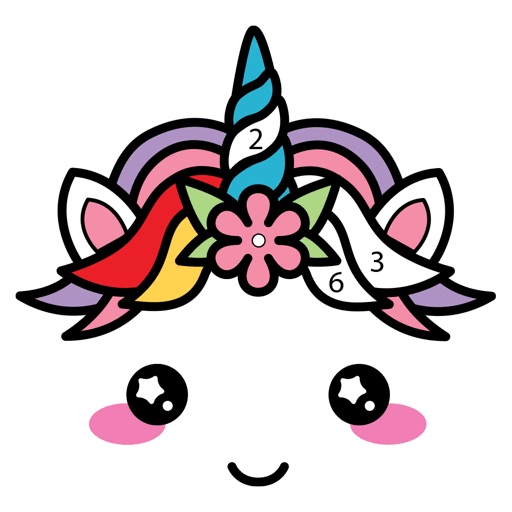
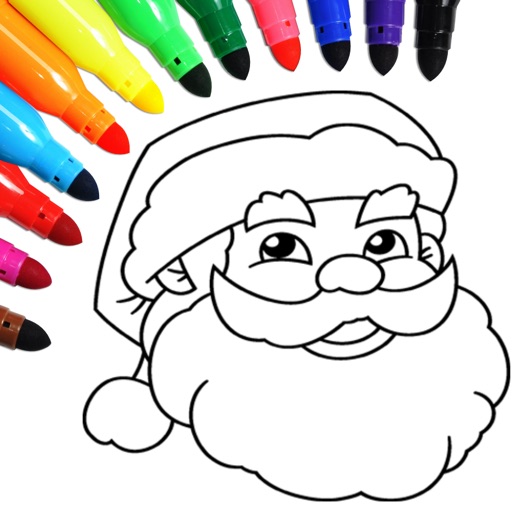
Coloring by numbers lets users select images and fill in colors to create artwork. Features include choosing from themed pictures like travel, animals, and mandalas. Users can paint directly on the canvas and save their work.
Use your phone camera to draw on any surface. Access templates for animals, cars, and nature. Utilize the built-in flashlight for better visibility. Share completed drawings with friends. Create art using augmented reality technology.
Create artwork using vibrant neon colors and glowing brushes. Draw on a large canvas with sketch tools. Adjust effects and export designs in various formats.
The app offers a digital coloring experience with over 120 free animal pictures. It features a stay-in-line brush, nine brushes for painting and drawing, and 50 pattern brushes for a unique coloring book and drawing pad.
Color animals, solve puzzles, interact with sounds
Children can solve puzzles with interactive backgrounds and sound effects. They can color drawings of African animals. The full version includes 18 puzzles and allows painting all animals. The lite version offers 6 puzzles for trial.
A game allows offline art creation without ads. Users can color and draw princesses, unicorns, and animals. Features include animated elements that react to color, confetti effects, and a sketchbook interface for creative sessions.
Draw and paint using glowing colors. Use photos as backgrounds or create from scratch. Save artwork to camera roll. Share via email, message, Facebook, or Twitter. Access multiple undo levels. Learn color theory through interactive features.
Play a 3D game by swiping left or right to hit a . Choose the correct angle to launch a ball at colored blocks. Destroy matching blocks to make the collapse. Progress through increasing difficulty levels.
Games allow users to select color by number puzzles and images by tapping colors. Features include on pages, recoloring existing artwork, and saving progress. Users can access pixel art books and sketch freely without internet connection.
Edit photos by overlaying multiple images. Adjust blending modes and exposure settings. Access a collection of pre-designed overlays and effects. Save and share the final mixed image.
Create looks with tools for painting, coloring, and designing. Choose from themed makeup options like pumpkin, witch, and unicorn. Add costumes, accessories, and sparkly effects. Customize characters freely in free mode.
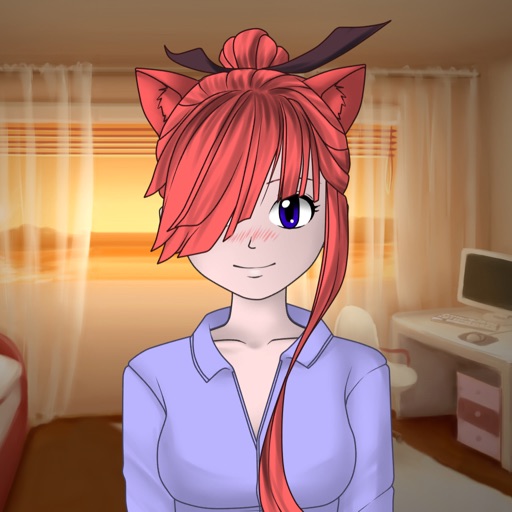
Create custom characters by combining fragments for eyes, lips, hair, clothes, and other attributes. Choose from various character types like ninja, fantasy, or school. Share generated images or set them as wallpapers.