Design and simulate electromechanical systems using relays, switches, buttons, contactors, timers, and motors. Create electrical diagrams, test circuit functionality, and analyze component interactions. Export simulation results and share designs.
by Abdessamed Benkabouya★ 4.214 ratingsEducationFreeData updated 2026-09-06
Learn about resistors and resistance with interactive simulations. Configure up to eight component sections. Measure voltages across resistors and current through series and parallel circuits. Solve electrical circuits.
Teach dog commands using guided training sessions and sound cues. Play interactive games to engage pets. Record and replay training sounds. Create structured routines for daily interactions. Track progress with visual feedback.
Perform calculations with basic arithmetic operations. Input numbers and equations for quick results. Use a interface with nostalgic design elements. Adjust display settings for different calculation modes.
Access study materials including readings, diagrams, and example problems aligned with the AP Chemistry curriculum. Track progress with practice questions and review key topics. Study anytime without ads, paywalls, or in- purchases.
Configure and troubleshoot Cisco IOS networks using simulation tools. Design and build custom network topologies. Follow CCNA labs from books or videos. Recreate real-world scenarios.
Learn about digital and analog sensors for projects. View technical specs and circuit diagrams. Follow step-by-step connection guides. Access ready-to-use code examples with explanations.
The app provides visual schedules, timers, and reward charts to support children with developmental delays. It offers customizable features with image and audio libraries, helping to build independence and manage transitions.
Reference allows users to search terms in or English using a built-in keyboard. Images are organized into 84 categories. Tap on image numbers to translate. Includes female and male English speech options. Features number buttons for easy navigation.
Create diagrams and flowcharts using shapes like rectangles, circles, and arrows. Draw freehand or use geometric figures. Collaborate in real-time on an infinite canvas. Export diagrams in multiple formats.
For Boeing 787 trainees and pilots. Access system-specific information via clickable buttons. Review aircraft systems and procedures. Refresh knowledge on flight control, avionics, and maintenance. Organize and recall technical data efficiently.
View planetary orbits and simulate motion to observe planetary alignment and movement. Adjust time speed to visualize scale and dynamics. Access data anytime for educational exploration.
Learn through color-coded breakdowns of words and components. Understand meanings without Arabic grammar. Access free content with no advertisements. Track progress through interactive features. Share notes and annotations directly.
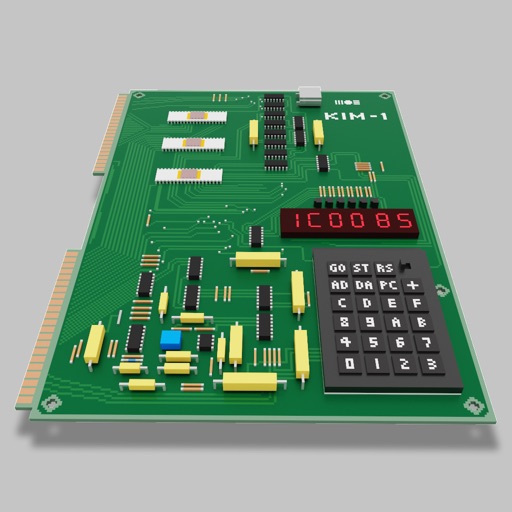
Users can assemble and debug assembly code using a simple interface with 7-segment LEDs and buttons. Run programs on an emulated 8-bit processor. Solve programming puzzles and explore hardware components used in early home computers.
The app provides an interactive exploration of the Bombardier CRJ-200 flight deck. Users can tap on switches and displays for detailed explanations, aiding pilot training and familiarization with aircraft systems.