Send text, files, links, and media between devices. Copy and paste content across platforms. Transfer media to other devices for access. Sync content seamlessly across different ecosystems.
by Abhik Ray★ 5.010 ratingsProductivityFreeData updated 2026-09-06
Files between devices using Wi-Fi. Send photos, videos, contacts, and documents with a few taps. Supports cross-platform transfers between iOS and other devices. Securely without internet limitations.
Manage compressed files by extracting ZIP, RAR, and 7Z formats with password support. Access iCloud and Dropbox files directly. Import compressed files from other apps.
Allows users to capture data using compatible hardware devices. It provides real-time SLAM feedback for Orbis/Blink and scan pre-registration for Focus. Data is uploaded to Sphere cloud services.
The app allows users to transfer and share content between iOS and Mac OS devices. Users can share text for messages or emails, and share files with previews.
Update tasks and add attachments while on the go. Batch upload media from multiple users. Edit content seamlessly. Collaborate with team members and sponsors. Receive push notifications for updates and reminders.
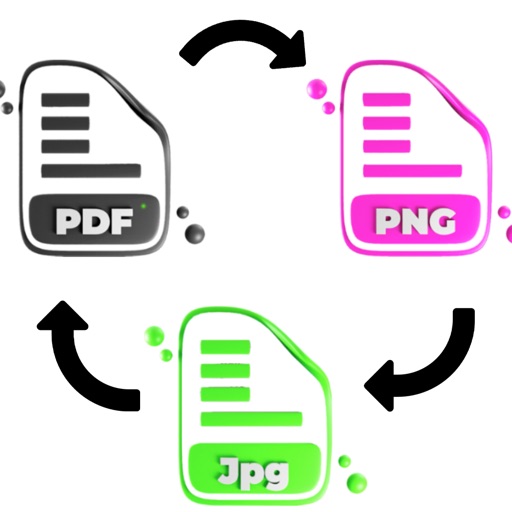
Convert PDF files to JPG, PNG, and GIF images. Convert images to PDF files. Save and share converted files. Send PDF images via social media platforms.
Share files across smartphones, tablets, and PCs securely. Sync data seamlessly between devices. Access files via web browser with read-only permissions. Use private folders for personal file sharing.
Sends messages across platforms like email, social media, and . Uses AI to generate well-structured replies from brief inputs. Supports scheduling and editing messages before sending.
Capture text, PDFs, voice recordings, scans, links, and screenshots in one place. Convert voice to text, summarize PDFs, and create searchable scans. Organize content into notebooks, sections, and notes. Link related ideas automatically.
View and navigate 3D BIM models on Mac and iPad. Collaborate in real-time by sharing scenes via a cloud-based repository. Annotate models, track changes, and manage project updates across teams.
Organize bookmarks, notes, and ideas in a flexible grid. Drag and drop items to rearrange. Create boards for projects, hobbies, or goals. Sync data across devices using iCloud. Store content privately and securely without cloud storage.
Transfer and sync index files from Mac to iOS via iTunes. text-based documents offline. Access email, calendar, contacts, and PDFs without connecting to Mac. View and navigate archived text content directly on device.
The app shortens long URLs using services like Bitly and TinyURL. It automatically generates QR codes for shortened links, allowing for quick copying and sharing.