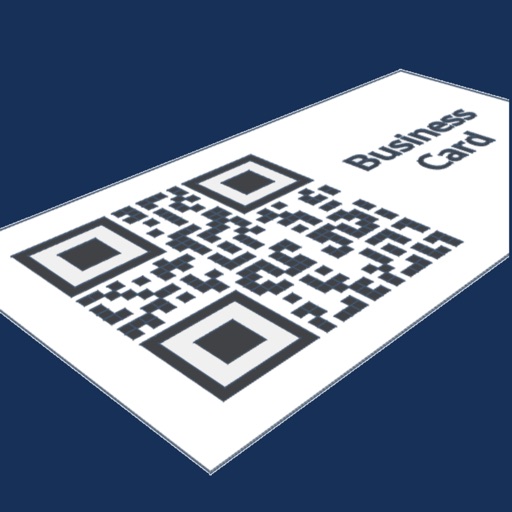
Convert contacts to QR codes with full details except for the profile picture. Generate QR codes locally without uploading data to the internet. Share QR codes via email, messaging, or file transfer.
by Konstantin Adamov★ 4.512 ratingsUtilitiesFreeData updated 2026-09-06
Generate time-based verification codes for accounts. Sync codes across devices via Account. Receive push notifications for authentication requests. Manually enter codes when no network is available.
Create QR codes to share details. Add name, job title, phone numbers, emails, birthday, website, social media links, and a post. Scan QR code with phone camera to add to recipient's address book.
Backup, restore, and import/export contacts via iCloud. Check and merge duplicates. Add or remove country codes. Format phone numbers. Delete all contacts. Export to Excel. Share contacts. Send SMS or email to selected contacts.
Contacts from iPhone or iPad with a simple interface. Choose file types, select specific contacts, and share exported files. Backup contacts for transfer to a new device.
Scan business cards to create contacts automatically. Use the camera to capture card details and extract text for information. Save contacts directly to the address book. Edit details manually if needed. Share contacts via email or messaging.
Scan and generate QR codes and barcodes. Decode various formats including QR, Data Matrix, and PDF417. Create custom QR codes with text, URLs, or contacts. Share scanned results via email or social media. Adjust scan settings for precision.
Enter details to generate a QR code for sharing. Convert information into scannable codes. Switch between modern and legacy QR formats for compatibility. Export and share QR codes directly.
Securely generate and store two-factor authentication codes for online accounts. Encrypt data both locally and in backups. Sync codes across Apple devices automatically. Retrieve codes without needing internet access.
Manage contacts, track campaign performance, and monitor sales metrics on the go. Create and send email campaigns, schedule posts, and access analytics. Edit campaign details and adjust settings directly from the mobile interface.
Scan QR codes, barcodes, and other formats like Data Matrix and PDF417. Decode information quickly without ads or data collection. Save scanned results and share them directly.
Contacts between devices by syncing phone numbers, emails, and addresses. Export contacts to CSV or vCard format. Import and merge contacts from multiple sources. Backup and restore data securely.
The app provides a solution to transfer contacts between iOS devices directly or via email and Dropbox. Users can back up all contacts to email or Dropbox and restore them from a vcf file without duplicates.
And decode QR codes and barcodes with high accuracy. Generate custom QR codes and barcodes. Share scanned results via email or messaging. Adjust settings for different barcode types. Save scanned data to device storage.
Scan barcodes and QR codes with support for 1D and 2D formats. Generate custom QR codes using AI. View product details from Google, Amazon, or Amazon Japan. Save scan history. Use flashlight for low-light scanning. No internet required for scanning.
Scan QR codes and barcodes to access text, URLs, ISBNs, contacts, emails, locations, and Wi-Fi networks. Share scanned data via email or messaging. Save scanned results for later reference.
Read and scan QR codes and barcodes, including text, URLs, ISBNs, contacts, and calendars. Generate QR codes for text, URLs, emails, locations, and events. Share scanned data via email or messaging.
Scan documents into PDF or JPEG without an internet connection. Edit scans, add signatures, and convert text with OCR. Share files directly or save locally. Sign documents quickly with on-device e-signature tools.
LUNAPARK MEDYA INTERNET TEKNOLOJILERI SANAYI VE TICARET ANONIM SIRKETI
Documents, convert to PDF, email results
Convert documents, receipts, photos, business cards, and QR codes into high-quality PDF, JPEG, or TXT files. Save scans and share via email, print, fax, or cloud services like Dropbox, Evernote, Google Drive, and iCloud.
Scan and generate QR codes and barcodes. Decode various types including QR, Data Matrix, and PDF417. Create custom QR codes with text, URLs, or contact info. Share scanned results via email or messaging apps. Adjust scan settings for precision.