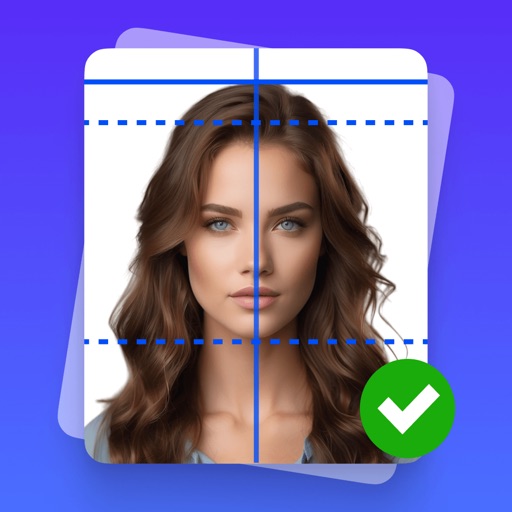
Capture and edit official ID photos professionally
Create professional-quality photos for passports, visas, and ID cards. Use guided cropping to adjust size and alignment to international standards. Edit backgrounds to achieve a clean look.
With a realistic handwritten signature. Import files from email, cloud, or device. Support for multi-page documents. Save and share signed documents securely.
Turn your phone into a powerful . Capture and convert documents to PDF, JPG, Word, TXT, and more. Edit scans with auto-edge cropping and filters. Extract text using OCR. Merge and split PDFs. Share or print files directly.
Verify user identities by checking government-issued IDs and biometric data. Confirm age and address through document analysis and AI. Authenticate users in real-time to prevent fraud and ensure secure access.
Create professional-quality ID photos for passports, visas, and other official documents. Select from various templates and guidelines. Adjust background, crop, and resize images. Save and share photos in multiple formats.
Manage or CAC credentials without a smartcard reader. Store derived credentials on smartphone or tablet. Use integrated solution or YubiKey accessory. Authenticate with credentials instead of physical card.
Convert paper documents and images to PDF or JPG formats. Use OCR to recognize text automatically. Save files in multiple formats including PDF and JPEG. books, receipts, notes, and business cards in high quality.
Sign documents with a tap, add text and annotations, and organize files in folders. Edit PDFs and images, save drafts, and share signed documents via email or cloud services.