Animate pet photos with AI to create talking animal videos. Add voiceovers using recorded audio or trending sounds. Edit videos for TikTok, Instagram Reels, and YouTube Shorts. Lip-sync animations match pet movements.
Create animations using frame-by-frame drawing on photos. Add doodles and export as GIF or video. Share finished animations with friends. No advanced drawing skills required.
The app allows users to create photos and movies using green screen technology. It supports high-resolution video and photo capture, with a timeline editor for layering and editing multiple video or photo elements.
Videos by selecting backgrounds, trimming clips, and adding kids characters. Overlay text and use green screen to remove backgrounds. Apply keyframes and animations for custom effects. Export and share finished videos.
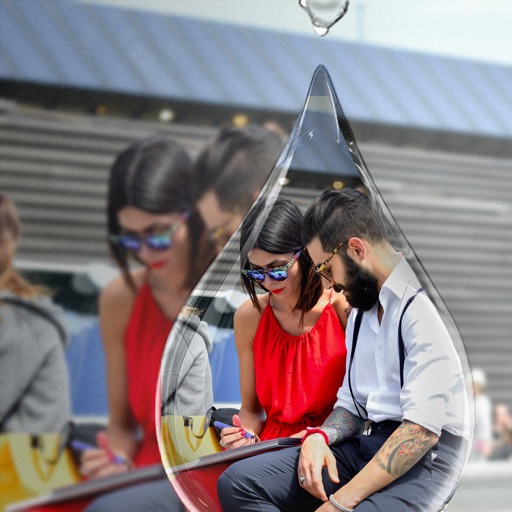
Edit photos with PIP frames, collages, and creative layouts. Add crystal bottle patterns and cartoon styles. Share edited photos directly to social media. Adjust brightness, contrast, and colors. Crop and rotate images.
Create animated cartoon videos using frame-by-frame drawing. Doodle on different papers or over photos to build animations. Export as GIF or and share directly.
Create movies and animated GIFs with frame-by-frame animation. Capture and edit videos, add sound, and adjust timing. Sync projects across devices in real time. Share finished projects on social media platforms.
Record videos from your library or capture new footage. Adjust overall speed or specific sections. Enable or for selected parts. Export edited videos in various formats.
Create videos from photos, text, and existing videos using AI-powered tools. Customize professionally designed templates. Edit audio, add transitions, and apply effects. Share directly to TikTok, Instagram, YouTube Shorts, and marketing platforms.
Create animated GIFs and stop motion videos with real-time rendering. Add, remove, and reorder frames during editing. Adjust speed, duration, and play mode. Add music and apply filters. Export and share finished projects.
Record time- videos with customizable intervals and duration settings. Capture stop sequences frame by frame. Edit clips with trimming, speed adjustments, and filters. Share videos directly to social media or cloud storage.
Select and apply unique to images. Choose photos from gallery or camera. Rotate and scale as needed. Save, share, or set photos in gallery. Display all saved photos in a list.
Edit photos with effects, filters, and customizable stickers. Blend images and add 3D or overlays. Crop photos and draw on them. Apply frames and borders. Use a custom camera to capture and enhance images.
Add to photos and videos with customizable fonts and colors. Create captions, watermarks, and animated for social media. Edit art freely without ads or watermarks. Share edited content directly.