Analyze social media profiles to identify strengths and growth areas. Generate customized content ideas based on audience and niche. Automatically create video scripts for social media. Evaluate video performance to enhance engagement.
Add , captions, and artwork to . Select from curated background options. Choose images from device storage or camera. Adjust size, position, and style. Save and share edited directly.
Create compilations from selected date ranges with a single tap. Choose custom time frames or use default monthly ranges. Add music, transitions, and text overlays. Export and share finished videos directly.
Records video automatically when is detected. Allows sending videos to Dropbox or iCloud Drive. Choose resolution options including 4K and frame rates up to 240fps. Define detection zones for specific areas.
Create music by mixing vocals, bass, and instruments with drums. Apply professional effects and use loops to build mixes. Record music sessions and share creations.
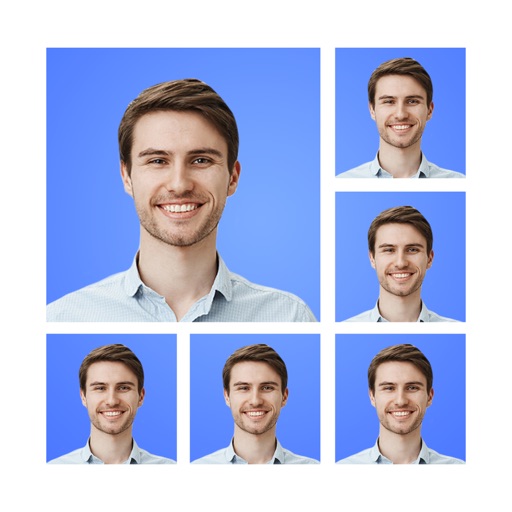
Edit photos, remove backgrounds, export for passports
Create and ID photos for US, UK, Canada, and other countries. Remove backgrounds manually or automatically. Edit photos, adjust size, and convert to ID-ready format. Select country-specific requirements and export final images.
Edit photos with a wide range of effects, from basic adjustments to advanced graphic transformations. Repaint images using various brushes and import Photoshop brushes. Share edited photos on Instagram with the # tag.
IChromaCam enables real-time key compositing by toggling the SET button to start or stop the process. Users can composite backgrounds during filming. Video recording must be done via iOS screen recording.
Is a clapperboard and recording sheet for image production. Users can input title, scene, camera, and director details. It includes clapper sound animation and supports global timecodes. Recording takes can be edited and saved in a list.
Convert files to MP3 with efficient processing and consistent quality. Extract from videos and YouTube clips. Trim tracks precisely. Save and share final files directly.