Edit photos with , , and AI cutout tools. Apply neon, glitch, and overlay . Add doodles, artistic text, and fun stickers. Share edited photos directly to Instagram, WhatsApp, Facebook, and Messenger.
Convert videos or photos to GIF and vice versa. Edit GIFs by adjusting frame speed, resizing, cropping, and applying transformations. Export in high quality without watermarks.
The app provides manual control over iPhone camera settings including ISO, shutter speed, white balance, and focus. Users can adjust exposure compensation and apply live filters before taking a picture.
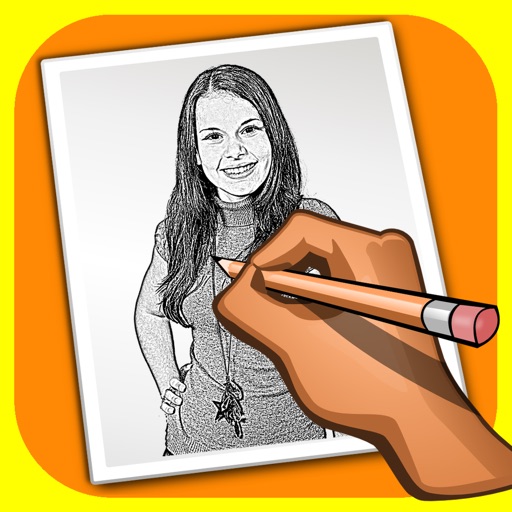
The app transforms user photos into pencil drawings with a sketch shine effect. Users can apply this filter to images captured with the device's camera.
Take photos automatically at set intervals of 2, 5, 10, 20, or 30 seconds. Record slow-motion videos with image stabilization. Add or video widget for quick access. No ads during use.
Take high-quality photos with manual controls similar to a DSLR . Use bulb exposure for long exposures and motion blur. Apply neutral density filters to control light intake.
Attach a standard surgical endoscope to an iPhone or iPod Touch for internal view of the ear, nose, or mouth. Capture still images and record video with audio. Share images and videos via email with patients or clients.
Switch between main and front instantly for dual perspective shots. Capture high-definition images with the main camera and creative angles with the secondary lens. Record detailed scenes for portraits, landscapes, and close-ups.
Take photos to create reminders with customizable notes and recurring options. Set reminder times and access them via a today widget. Share reminders and add them from any shareable image. Keep camera-roll organized with a clutter-free interface.