Apps Like Photo Frames Collage & Editor for iPhone and iPad
Edit photos, create collages, add
Edit photos with filters, cropping, and adjustment tools. Create collages using templates, grids, and layouts. Add text, stickers, and . Share edited photos directly.
by Aakaash Soni★ 4.04 ratingsPhoto & VideoFreeData updated 2026-09-06
The app allows users to combine multiple photos into one collage with captions. It offers various layouts, fonts, and colors for text, along with photo effects and editing tools like rotation and resizing.
Edit photos using aesthetic filters and popular effects. Apply stylish templates and create rich collages. Enhance images with easy-to-use tools and share directly to social media.
Create photo collages using over 200 frames. Select from photo frames or frames in the main menu. Edit photos with cropping, filters, and text. Combine multiple images into a collage. Record and edit videos. Add text and stickers to videos.
Edit photos with seasonal and holiday themes. Apply nature-inspired filters and effects. Add text and stickers to images. Save and share edited photos directly.
Edit photos with customizable backdrops, fun fonts, and themes. Add stickers and create visual stories. Track growth with monthly updates and share finished artwork.
Edit photos with -themed and effects. Choose from multiple creative designs. Import images from gallery or camera. Adjust brightness, contrast, and color. Share via Facebook, Instagram, or WhatsApp. Save high-resolution versions.
Edit photos with filters, contrast, brightness, and color adjustments. Add text, stickers, and drawing tools. Customize images and landscapes. Export in high quality. Access a free image library. Apply advanced editing features.
Add stickers to photos. Edit pictures with filters and effects. Share edited photos on social media. Include features for creating stories and storing pregnancy photos.
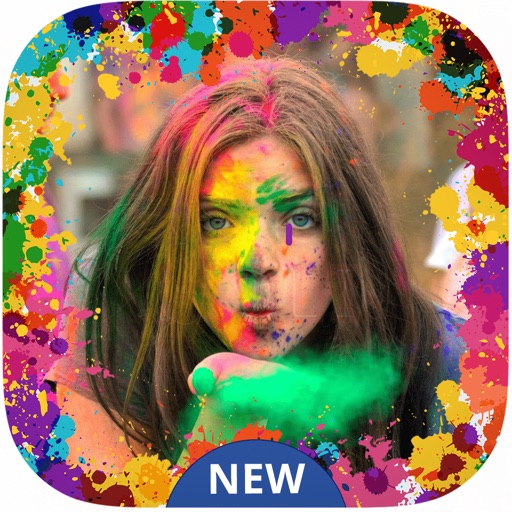
Create festive photos with 2D and 3D -themed . Add color particles and animated effects to images. Share edited photos directly to social media. Apply pre-designed collage templates. Adjust frame size and position for custom layouts.
Create professional-quality graphics by adding overlays, fonts, backgrounds, and filters to photos. Edit images with cropping and adjustments. Share designs directly to social media platforms.