Perform calculations with advanced operators and scientific functions. Use trigonometric, logarithmic, and round functions. Calculate tips and discounts. Edit expressions on the fly with a magic cursor. Share results directly.
by Emmanuel Vizcarra★ 5.01 ratingsUtilitiesFreeData updated 2026-09-06
Track and data using industrial engineering methods. Log work activities, analyze process steps, and identify inefficiencies. Generate reports to improve workflow and resource allocation. Set timers and measure task durations.
Perform complex calculations with a scientific interface. Enter expressions in natural order. Simplify results with symbolic computation. Swipe to review previous calculations. Track history and reuse past entries.
View a full menu of services and prices. Check availability and reserve a time that fits your schedule. Make secure payments and tips without needing cash. Receive notifications and appointment reminders.
Calculate individual and tip amounts. Split costs among group members. Adjust for tax and customize tip percentages. Dark mode reduces screen brightness for dim environments. Share final splits via text or .
Perform complex calculations with high-precision math functions including trigonometric, hyperbolic, and special functions. Calculate derivatives, integrals, and roots. Program custom functions and store equations.
Scientific calculator allows users to perform complex calculations with swipe navigation between functions. Access exponents, logs, and sinus functions easily. View all functions on iPad, with additional options in landscape mode.
Perform complex calculations with support for real and complex numbers. Manipulate symbolic expressions and use over 225 built-in functions. Scroll through results with finger gestures. Copy and paste data for easy sharing.
Perform calculations with automatic result display as you type. Execute basic operations including addition, subtraction, multiplication, and division. Calculate percentages and clear inputs easily.
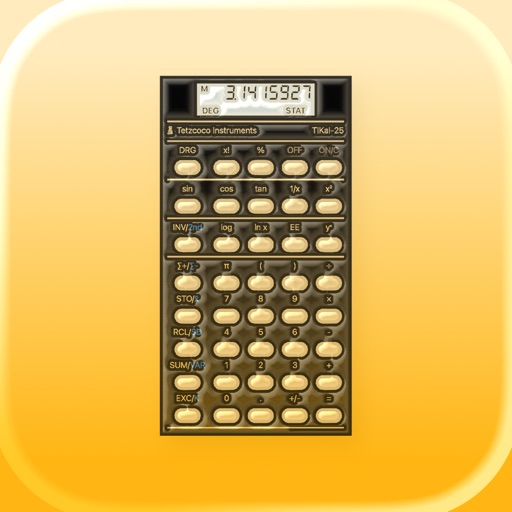
A scientific calculator with RPN input. Perform complex calculations, access trigonometric and logarithmic functions. Store and recall values. Use a simplified keyboard layout for easier navigation.
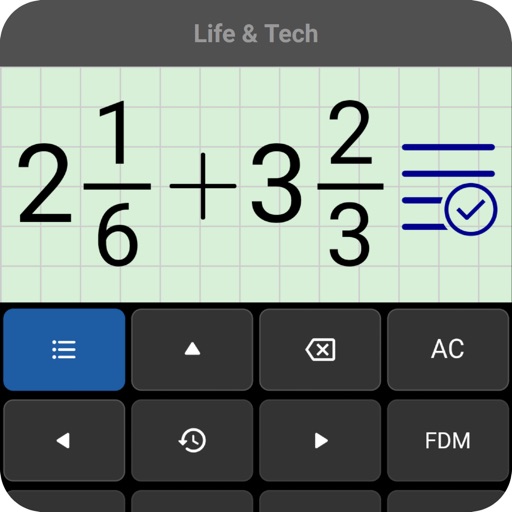
Perform calculations by entering expressions naturally. Receive step-by-step solutions and results in , mixed , or number format. Simplify fractions, convert between formats, and calculate percentages, powers, roots, and logarithms.
Store numbers, retrieve numbers, calculate results
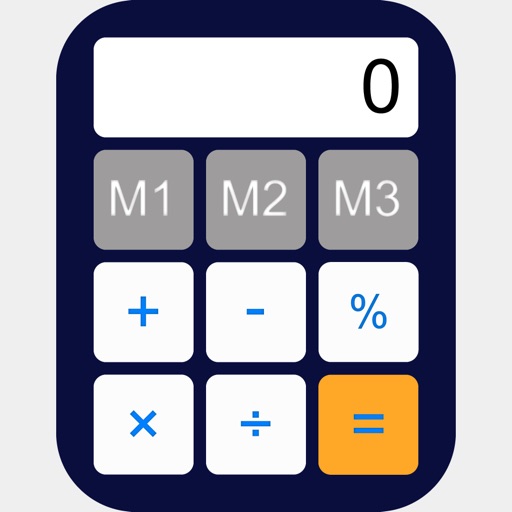
Allows users to store and retrieve numbers using multiple slots. Tap a slot to save a number and tap again to recall it. Swipe up and tap Delete to clear a slot. Access 25 recent calculations for quick reference.