Create collages by taking overlapping screenshots and cropping them together. Use an automatic image stitching feature for vertical layouts. Save collages to the photo library or share them with other apps.
by Blalock Consulting Group LLC★ 4.48 ratingsPhoto & VideoFreeData updated 2026-09-06
Create collages with over 1000 layouts and customize with filters, frames, and text. Edit photos using cropping, adjustments, and stickers. Save and share edited images directly.
Stitch multiple screenshots into one long image using auto-stitching. Split images into sections with customizable layouts. Edit stitched images with mosaic tools and phone frame overlays. Clear areas intelligently to improve image quality.
Create art and cross-stitch patterns with palette selection and gridline toggle. Use eraser, drag or tap to draw, and long press to fill. Trace images and export as files. Supports cross-platform creation.
Create videos by adding music, photos, and text. Generate collages and slideshows. Export in various formats and share directly. Edit with automatic transitions and effects. Sync with social media platforms.
Merges into a single image by automatically aligning them. Users can adjust margins manually for custom collages. Screen content can be recorded and saved as a continuous image. Supports webpages, articles, and instructional content.
Edit photos with filters, cropping, and adjustments. Add text, stickers, and frames. Create collages by combining multiple images. Share directly to social media. Apply effects and choose from various fonts and stickers.
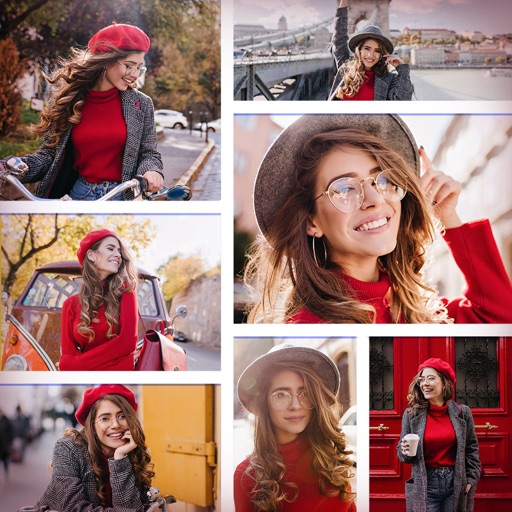
Create collages using 10000+ free layouts, effects, stickers, fonts, and backgrounds. Edit photos with cropping, filters, and text tools. Save and share collages as images or stories.
Create and video collages with customizable grids and layouts. Add photos, text, stickers, and drawings. Use exclusive filters and animated templates. Export and share finished designs.
Create collages by adding photo grids, frames, and filters. Apply effects like sepia and retro. Add stickers and text. Share collages via messengers and social networks. Edit photos with built-in frames and layouts.
Create collages by combining multiple photos and videos. Choose from , poster, or editor modes. Adjust layouts, add effects, and stitch content together. Edit images with filters, cropping, and text overlays.
Shanghai Ruishixinyan Information Technology Co., Ltd
Aesthetics are productivity and lifestyle.
The app offers classic collage and video editing with multi-scenario templates and layout customization. It also provides trendy video kits and a signature design template library with various aesthetic styles.