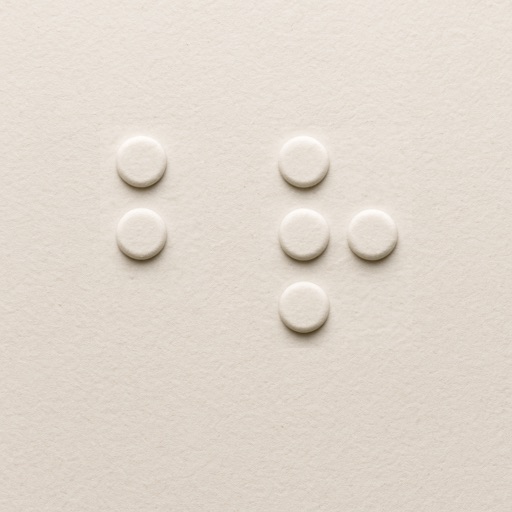
Teaches using a built-in keyboard. Learners progress through letters, punctuation, and numbers. Maps finger positions to dot notation. Allows full sentences by the end of training. Includes exercises for practicing input.
by Mycah Krason★ 4.710 ratingsEducationFreeData updated 2026-09-06
Learn and practice Unified English with interactive lessons and exercises. Input using onscreen keys or a Bluetooth keyboard. Receive audio feedback via text-to-speech and sounds. Track progress and access additional lessons through in- purchases.
Learn through interactive exercises and practice sessions. Customize lesson difficulty and track progress. Convert text to and vice versa. Receive instant feedback and adjust learning pace.
The app helps users practice Cantonese braille through listening and typing exercises. It incorporates color-coded keys and numbered buttons to assist users with low vision in understanding braille structure.
Learn using tactile-inspired flashcards. Explore all 26 letters with visual dot patterns. Flip through to test memory. Shuffle for varied practice. View high-contrast designs for clarity.
The app converts standard text into Braille code. It supports Literary Braille, which represents English letters and numbers as seen in standard writing.