Track real-time speed during walks, runs, bike rides, car travel, train journeys, or flights. Record detailed trips with start and end times, distance, and average speed. View logs to review past journeys and analyze performance metrics.
Track precise location with Decimal Degrees, DMS, UTM, and MGRS formats. Access topographic maps and route planning. Set waypoints and measure distances. Share coordinates via email or messaging. Sync with GPS devices for real-time navigation.
View current location details including latitude, longitude, altitude, and address in Decimal or DMS format. Track trip data such as distance, speed, and maximum speed. Save location and trip information for later review.
The app features large, easy-to-read keys for quick input and a permanent display of the user's expression. Results appear automatically as the user types, eliminating the need for an equals key.
Create notes, display character count, sort entries
Create notes with plain text. Display character count. Sort notes by date or manually. Show notes list or most recent note via widgets. Share notes instantly through Messages.
Tap allows users to count items by tapping a large button. It provides a clear, bold display of the current count. It syncs counts across devices using iCloud. Users can customize button size and color. Counts can be reset or saved as notes.
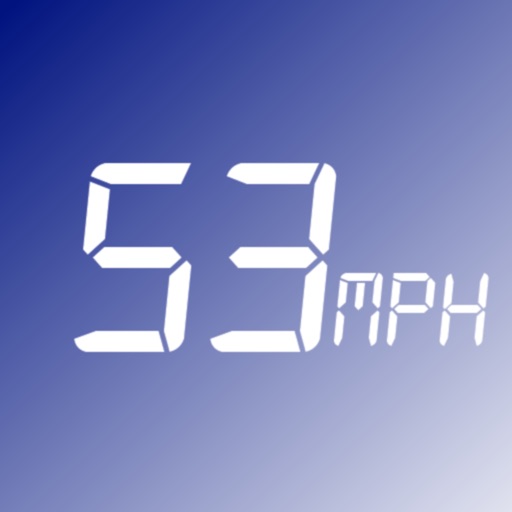
The app monitors vehicle speed and alerts users when surpassing a set speed limit. It displays current speed in km/h or mph and changes background color based on speed.
GPS displays speed, altitude, and track data with real-time profiles. Logs activity in sleep or background mode. Stores recorded tracks for analysis and map display. Shares tracks across devices via iCloud.
Calibrate and profile mobile screens, tablets, and TVs for accurate colour representation. Measure display output and adjust settings for consistent colour accuracy across devices.








![speedo[kilo]meter app icon](https://is1-ssl.mzstatic.com/image/thumb/Purple123/v4/5e/d9/48/5ed94851-48ea-1898-ac4b-4b45b5634e4a/AppIcon-1x_U007emarketing-0-10-0-0-85-220.png/512x512bb.jpg)