Create and control complex control layouts with precision. Edit audio and MIDI files. Send and receive MIDI and OSC messages across multiple connections. Support for OSC over UDP. Adjust parameters in real-time. Sync with iOS and Android devices.
by Hexler LLC★ 4.6241 ratingsMusic$19.99Data updated 2026-11-01
Monitor and send messages to connected devices. Visualize incoming data. Test setups with keyboard or sound expander. Identify device messages and troubleshoot connections. Support for Apple USB camera adapter and other compatible adapters.
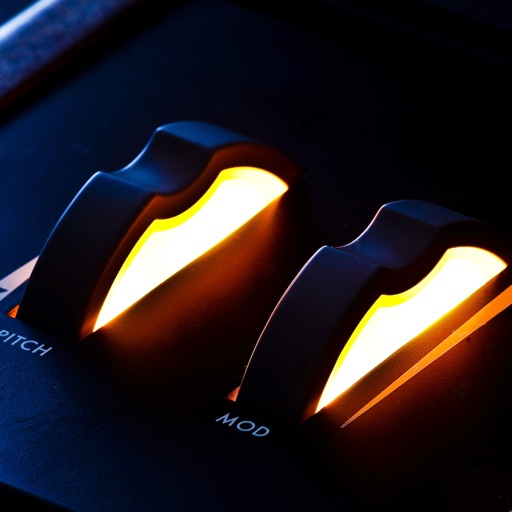
Control MIDI-enabled synths and keyboards via modulation wheels and pitch ribbons. Adjust pitch and modulation parameters in real time. Supports vintage synth interfaces and organ keyboards with synth sounds.
The app emulates vintage 80's hardware drum machines with a realistic interface. Users can play included rhythm presets or create their own patterns, with control over drum kit parameters and song mode.
Allows users to route and process MIDI events by dragging and arranging modules and ports on a canvas. Connect modules in series or parallel. Adjust pan, zoom, and scroll settings. Create complex MIDI setups or simple configurations.
Record and edit audio files with precise trimming and merging. Add effects like pitch, reverb, and gain. Insert recordings indefinitely. Support audio clipping, sound processing, and ultra-high precision editing.
The app provides remote control for digital audio workstations. It supports DAWs that use MIDI timecode and MIDI machine control, including Logic, Pro Tools, and Cubase.
Play using a USB MIDI keyboard with 25 or 37 keys. Connect to iPad for full functionality. Access tutorials for setup and use. Select instruments and adjust settings. Export audio recordings. Control volume and effects. Sync with other music apps.
Record and mix audio tracks with multi-channel editing, effects, and automation. Import and export audio files in various formats. Use virtual instruments and MIDI support. Control tempo and key. Apply reverb, delay, and compression.
Create musical sketches and chiptunes using a pattern-based sequencer and high-quality sampler. Record sounds from microphone or line-in. Export in WAV or XM formats. Import and export audio files. Support MIDI keyboard input.
Create and manipulate multi-layered sound sequences using a 4-lane sequencer. utomatic accompaniment from MIDI input. Blend samples seamlessly for evolving soundscapes. Adjust wave synthesis parameters and sequence patterns.
Offers groove presets and custom beat creation. Play along with favorite songs via InterApp, Audiobus, Core MIDI, and clock MIDI. Share patterns through iTunes file sharing or Audio Copy. Features a realistic analog interface for vintage enthusiasts.
Create and manipulate audio by dividing samples into tiny grains. Adjust pitch, duration, position, and volume of each grain. Layer and sequence grains to build complex sounds. Export modified audio files.
Create music using finger movements to trigger musical rules and interactions. Adjust sound parameters in real time. Save and export compositions. Sync with MIDI devices. Customize gesture-based controls for unique playing styles.
The app supports audio, video, and image channels with unlimited playback. It allows for simultaneous playback and individual volume adjustments for each channel.
Overlay video and photo cues onto media files without proprietary formats. Share videos directly from the photos . Track cue positions in real time. Update focus points across multiple sessions. Collaborate without requiring team licenses.