Apps Like ScanText: Simple OCR for iPhone and iPad
Capture text from photos and edit notes
Convert images of articles into editable text. Scan documents, edit text, share files, or read content directly. Works offline without requiring internet connection.
by Thye Chean Lim★ 5.03 ratingsUtilities$0.99Data updated 2026-09-06
Text from non-selectable sources using an intuitive interface. Edit copied text, modify quotes or numbers, and save time by avoiding manual typing. Share or paste content directly from photos and documents.
The app converts speech into text for commonly used languages. Users can copy the recognized text to other applications, eliminating the need for typing.
Record and edit audio podcasts with recording and trimming tools. Generate scripts using AI based on topics. Convert text to audio for articles or notes. Play calming sounds and white noise for relaxation. Sync recordings across devices.
The app provides tools for managing, editing, and converting PDF files. It allows users to convert PDFs to editable documents or images, merge or split files, and manage pages.
Scan documents, notes, and images to create PDFs. Merge multiple PDFs into one. Compress files to reduce size. Split large PDFs into smaller sections. Share and store PDFs efficiently.
The app allows users to replace strings within files or folders. It supports regular expressions for complex replacements and works with plain text file formats, including HTML and XML.
Convert text to with adjustable voice selection and reading speed. Highlight words for specific playback. Export text as audio files. Share or play audio directly. Supports over 40 languages and voices.
Edit PDFs by modifying text, images, and signatures. Merge files and convert to other document formats. Save and share edited documents directly. Use AI-powered tools for precise edits. Export in high-resolution or printable formats.
Documents, receipts, and IDs with one tap. Save scans as high-quality PDF or JPG files. Share documents directly or export for later use. Perform OCR to extract text from scanned images.
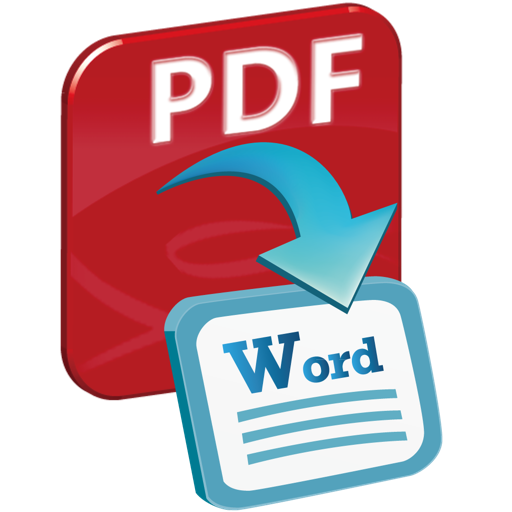
The app converts PDF files into Word documents and text files. Users can preview files, select specific pages, and convert multiple files at once while preserving original layouts and content.
Convert PDF files to editable formats like or Excel. Merge, split, and extract pages from PDFs. Add watermarks and encrypt documents. Share converted files via email or cloud services.
The app converts standard ASCII text and symbols to Binary, Hexadecimal, Base64, SHA1, and MD5 formats. Users can copy and send converted text for decoding back to standard ASCII.
Access courses from with an online account. View course materials, complete assignments, and track progress. Take quizzes and receive feedback. Sync learning across devices with an internet connection.
Convert text, notes, PDFs, or web content into flashcards using AI. Edit, organize, and review . Set study goals and track progress. Share flashcards with others. Export in various formats.