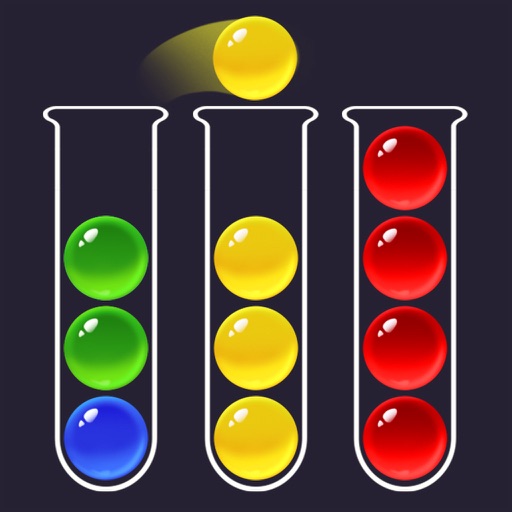
Colored balls into tubes by matching colors and available space. Tap tubes to move balls between them. Complete levels by organizing all balls correctly. Track progress through multiple and difficulty levels.
Customize home and lock screens with fully editable widgets. Add elements, select data sources, apply effects, and arrange layouts. Assign widgets to screen slots for personalized information displays.
Create drawings by combining different art styles. Divide images into sections and apply unique styles to each part. Mix and match colors and patterns to design custom artwork. Save and share completed creations.
Draw and paint images using customizable color pencils, pastels, and brushes. Choose colors freely and adjust settings for precise control. Save artwork to camera roll and share via Facebook or Twitter.
Create weapons by drawing on the screen with your finger. Customize stats using points. Tap at the right time to launch opponents off the cliff. Manage ink levels as they deplete during creation.
Create intricate tessellations and mandalas using 20 symmetry options. Draw with customizable colors and patterns. Adjust symmetry settings to design complex shapes. Save and export artwork in various formats. Share creations directly from the .
Children can draw using step-by-step templates in cartoon and kawaii style. They can choose colors, add stickers, and save their artwork. The includes guided exercises and a safe, child-friendly interface.
Connect pipes of the same color to form continuous lines and complete patterns. Pair all colored pipes to fill the board without overlaps. Play offline anytime. Free to play with simple rules and challenging puzzles.
Create custom characters with adjustable colors for hair and face. Choose from male and female characters and customize clothing. Display all created characters on a single screen. Decorate backgrounds and adjust and background sizes.
Create images, drawings, and paintings with customizable brush settings including thickness, color, transparency, and dynamic intensity. Sketch and modify simple graphics for logos, clothing, hairstyles, and more.
The app allows users to create animated glow art in 3D using various brushes and a full spectrum of colors. Users can pan, zoom, and spin their creations, record videos, and utilize symmetries up to 64.
Can draw and paint using AR features that bring creations to life. They can trace images to improve motor skills. The offers a variety of colors and brushes for artistic expression. Users can save and share their artwork.
Measure levels in real time using decibels. Display minimum, average, and maximum values. Stop and reset the measurement. Customize background and text colors.
Create art with layers and animation support. Use a variety of tools for detailed design. Add background music to animations. Export videos in MP4 format. Sync projects via Google Drive. Join a community for feedback and collaboration.
Create and edit digital art with layers, brushes, and customizable tools. Import and export files in various formats. Access cloud storage for file syncing. Subscribe for additional features and materials. Save and export work after trial period.