Create service and maintenance records by attaching photos of receipts, odometer readings, and shop images. Export records in CSV format and email them. Rate repair shops 1-5 stars to track satisfaction.
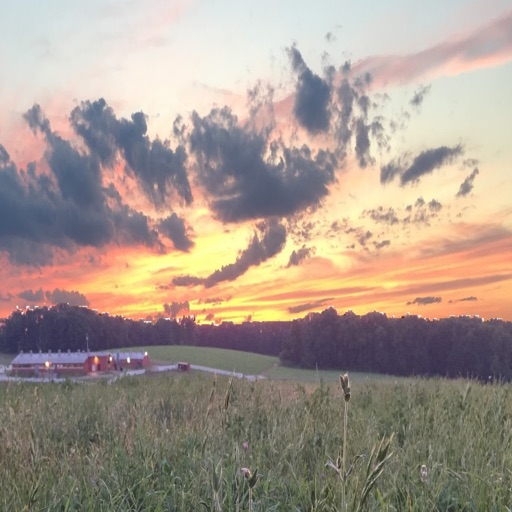
Helps users plan and capture high-quality photos by offering a visual event calendar with icons for celestial events, meteor showers, and rocket launches. Tap dates to view detailed event information and plan shooting schedules.
Create LED banners with scrolling , neon flashing effects, and customizable colors and sizes. Adjust and design welcome signs. Export banners as GIF or video. Save and set as wallpaper. Share customized banners with social contacts.
Calculate PPI by inputting screen dimensions and pixel count. Explain PPI vs DPI and dot pitch. Provide formulas and resolution categorization. Include definitions and user comments on related terms.
The app provides tools for photo editing and stop-motion video creation. Users can capture or load photos, apply effects, and arrange them to build stop-motion and time-lapse videos.
The app offers photo editing tools including cropping and enhancement. Users can apply effects, overlays, and frames to photos from their camera or gallery.
The app displays audio frequencies up to 20 kHz on an iPad, iPhone, or iPod Touch. Users can adjust frequency span, FFT size, and apply filtering for smoothing.
Create mockups by uploading screen captures and selecting device templates. Add 3D rotation, background, shadow, shift, scale, and canvas adjustments. Choose different models, angles, and backgrounds.
Use to magnify text and small details with adjustable zoom. Drag zoom bar or use two fingers to zoom in/out. Check skin texture with built-in skin detection feature. Adjust settings via preview region.
Edit photos with automatic brightness, contrast, and saturation adjustments. Apply like blurred, sketch, sepia, and vintage. Share edited images directly to social media.