Share iPhone with devices on the same local network. content via to computers, other iPhones, or Smart TVs using a web browser. No external servers or internet connection required. Control sharing directly from the device.
Mirror device screens to TVs or Apple TV for real-time display. Stream videos, photos, and music wirelessly. content without complex setup. Share content directly from iPhone or iPad.
Edit photos by flipping or mirroring with a finger swipe. Resize images using the same gesture. Create mirrored copies next to original photos. Save and share edited images directly.
Stream files from iPhone or iPad to DLNA-compatible devices like smart TVs, AV systems, and speakers. Select and play content with a single tap. Share photos, videos, and music across devices for group viewing or listening.
Cast phone to compatible TV wirelessly. Connect to same Wi-Fi network. Select option. Begin mirroring without lag. Share content during presentations or watch movies on TV.
Use front camera for real-time application and self-viewing. Apply filters like cartoon, sketch, and X-ray for styled photos. Zoom in 1x to 4x for detailed inspection. Activate flashlight for better lighting during application.
Mirror your iPhone to any TV instantly. Cast photos, videos, music, and documents with one tap. Supports Samsung, LG, Roku, Fire TV, Android TV, and Chromecast. Automatically detects and remembers devices on your Wi-Fi.
Mirror phone to smart TV via Wi-Fi. content for education, work, gaming, and entertainment. Share photos, videos, and web pages directly. Control casting settings and disconnect easily.
Mirror device screens to compatible displays like smart TVs and projectors. Share photos, videos, and presentations. Play mobile games on larger screens. Control settings and adjust display quality.
Measure sound levels using the built-in microphone. Display decibels in dBA with a digital readout. Show minimum, average, and maximum values. Visualize sound levels with a graph line.
Mirror iPhone screen to compatible devices for real-time sharing. Control mirroring with intuitive settings. Adjust resolution and frame rate. Support for presentations, entertainment, and collaboration. Enable screen recording during mirroring.
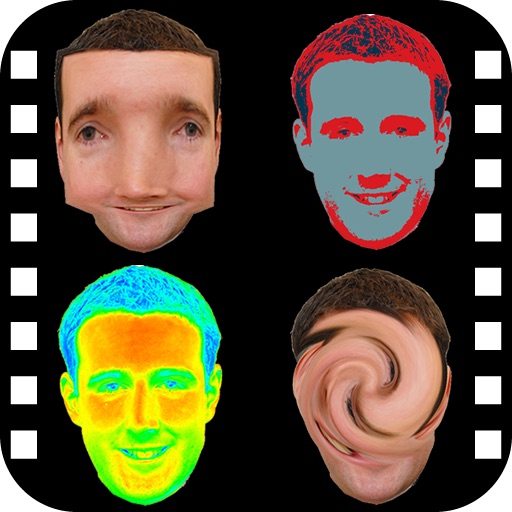
The app provides a photo editing experience with numerous effects. Users can select a picture and apply various filters like Night Vision, Heat Cam, Ripple, and Alien.
Mirror device screens to TVs for streaming videos, images, and audio. Share content from web or local files. Cast content to compatible TVs with minimal setup steps. View mirrored content on larger displays. Control through simple user interactions.
Check your makeup, hair, and teeth with functionality. Adjust the color and brightness of the built-in . Take photos or record videos. No ads and free to use. Share feedback through the contact option in settings.
Mirror iPhone or iPad screens to smart TVs via Wi-Fi. Cast presentations or media content with low latency. Connect to LG, Roku, Samsung, and other compatible TVs without additional setup.
TVs and devices with functions for volume, channel navigation, and power. Cast photos, videos, and web content to devices. Mirror iPhone screens to TVs for content sharing.