Explore lunar landing sites with 360-degree panoramas. Rotate device to navigate terrain. View the Sun and Earth in real-time. Listen to mission audio and optional narration. Add annotations and interact with virtual elements.
by Mike Smithwick★ 4.73 ratingsEducation$2.99Data updated 2026-09-06
Explore a 360-degree virtual tour of the de monument. Navigate interactive spaces, access historical information, and view detailed architectural features through immersive 360-degree views.
Explore historical sites with two self-guided walking tours. View 29 points-of-interest on RODEO DRIVE with photos and stories. Learn about former homes of the wealthy with detailed information and images. Navigate tours virtually or in-person.
Explore 360° videos and first-person tours of manufacturing facilities and job sites. View immersive VR content to learn about careers in manufacturing and trades. Navigate virtual environments to understand work settings and opportunities.
Explore planets and moons in immersive virtual reality. Navigate surfaces of Mars, the Moon, and other celestial bodies. Learn about geological features and mission sites like Apollo 11 and Curiosity rover locations.
Explore university campuses through 360-degree videos. Navigate virtual tours to view landmarks and tailgating events. Get behind-the-scenes access to athletic facilities and student athlete experiences.
Ad Lunam Kereskedelmi es Szolgaltato Korlatolt Felelossegu Tarsasag
Learn about space missions and astronauts
Learn about astronauts, their missions, and time in space. Track current space occupants and receive notifications for new space travelers. Access detailed planetary data including physical and orbital characteristics.
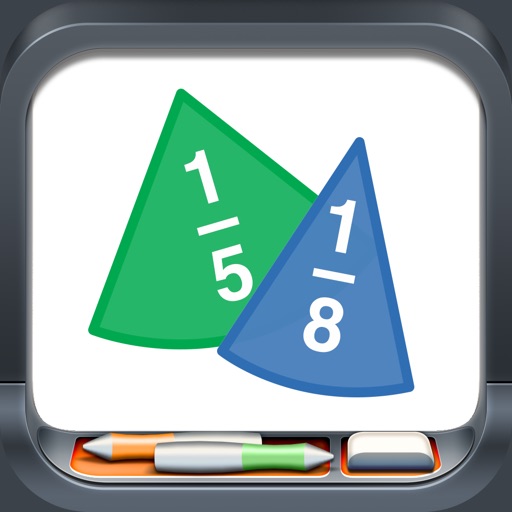
Manipulate colored pieces to explore basic to advanced concepts. Rotate and snap pieces together for alignment. View values as fractions, decimals, or percentages. Customize label formats and use rings with corresponding labels.
Measure angles between two surfaces using accelerometer and gyroscope. Determine angles between lines on a plane by aligning device edges. Display measurements in degrees. Switch between protractor and finder modes.