Edit videos with cutting, trimming, joining, and splitting tools. Create slideshows with media and transitions. Export in HD formats and share directly. Add text, stickers, and effects. Sync with cloud storage for backups.
Edit photos by adding custom logos. Choose from Square, Landscape, or Portrait formats. Import images from the photo library. Add custom text to create a . Adjust font, size, rotation, and color. Position the anywhere on the canvas.
Create or Rabbit Hole effects from with one tap. Transform panoramas and landscape images for unique visual styles. Instantly apply effects without needing advanced editing tools.
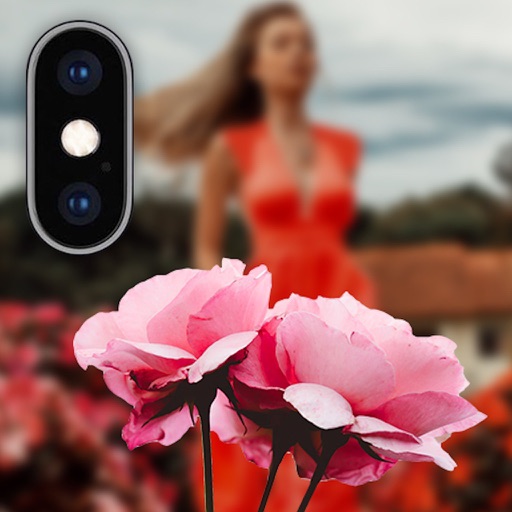
Backgrounds using artificial intelligence for quick depth effects and portrait mode. Adjust intensity manually. Unblur photos if needed. Share edited images directly to Instagram.
Apply filters to images using neural networks to generate original artwork. Select an image, adjust composition, and choose from available styles. Export edited images in various formats and share directly.
Create original images using light effects. Apply light leak filters to add unique textures. Adjust brightness and contrast for enhanced visuals. Share edited photos directly to social media.
Apply blur to portraits for a blurred effect. Adjust blur intensity and tweak brightness, temperature, tint, and saturation. Use live filters during editing. Export edited photos directly.
Edit photos by flipping or mirroring with a finger swipe. Resize images using the same gesture. Create mirrored copies next to original photos. Save and share edited images directly.
Edit photos with filters, contrast, brightness, and color adjustments. Add text, stickers, and drawing tools. Customize images and landscapes. Export in high quality. Access a free image library. Apply advanced editing features.
Add vibrant color to specific image areas using the Color Splash Effect. Adjust intensity and placement. Export edited in various formats. Share directly from the .
Edit portrait mode photos by adding and adjusting light sources. Reconstruct 3D maps to place new lights with customizable color, intensity, and distance. Save and share enhanced portraits with realistic effects.
The app allows users to create inverted color images and classic film negatives. It offers a live split preview, curated presets, and the ability to blend effects for various artistic results.
Edit and enhance grayscale photos with 20 predefined presets and custom adjustments. Apply vignette effects and modify color channels. Save personalized presets. View and share monochrome images directly.
Edit photos by selecting focus areas with smart selection tools. Apply to background while keeping subject in focus. Choose from nine including motion and zoom. Pan and zoom quickly for precise adjustments.