Convert 2D photos and videos to 3D using AI. Adjust depth with a slider. Trim videos before conversion. Convert content to VR side-by-side. Batch process folders and albums. Save converted files to Photos or Files.
Edit photos with and vintage effects like lights, Miami Filter, and UV. Apply gradient map-based for night lighting. Create abstract designs with colored glass effects. Adjust brightness, contrast, and color balance.
Edit photos with vintage effects, artistic filters, and professional adjustment tools. Crop, resize, and enhance images. Add text and stickers. Export in multiple formats and share directly. No registration, ads, or watermarks.
AI-powered placement allows users to embed objects in photos. Customize fonts, sizes, and colors. Adjust position and depth for professional-looking depth effects. Export edited images directly.
Create dynamic using AI-generated art based on user descriptions. Convert videos, GIFs, or Live Photos into seamless loops. Choose from motion backgrounds like calm loops, anime-style scenes, or 4K cosmic themes.
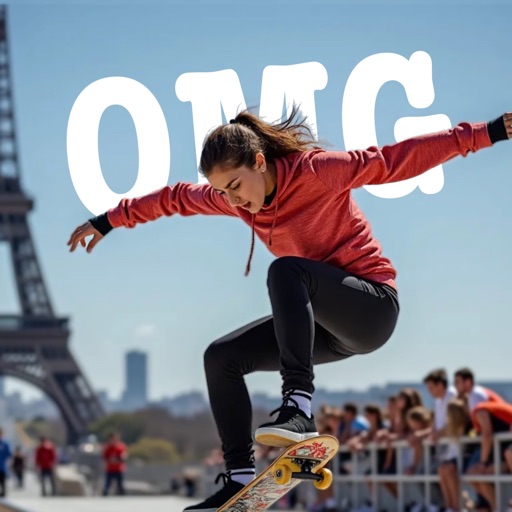
Overlay photos on the camera to match in real time. Apply like dreamy, vintage, or cinematic with one tap. Add text behind subjects for depth effects. Create and share edited photos directly.
Add , captions, and artwork to . Select from curated background options. Choose images from device storage or camera. Adjust size, position, and style. Save and share edited directly.
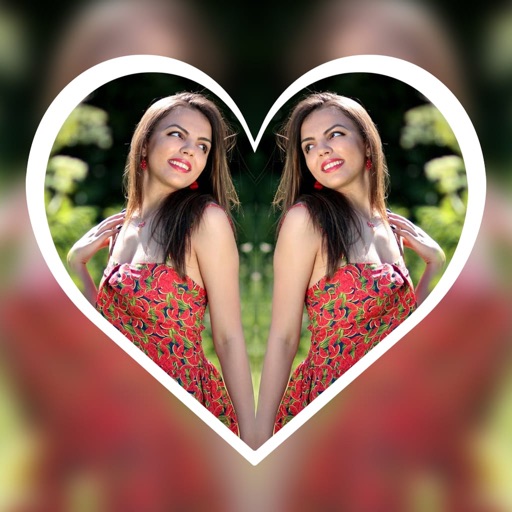
Create reflection effects with left-right, up-down, or repeat options. Apply effects and designer frames to enhanced images. Select from gallery or capture new photos for editing. Export and share edited images.
And videos to correct orientation or invert the image. Adjust portrait or landscape orientation directly on the device. Edit videos by flipping them upside down or rotating to match desired format. Save and share modified videos.
Create AI-enhanced posters for iOS 17 calls. Select images and effects to customize posters. Generate cards with AI enhancements. Share posters via call screen. Edit and save custom designs for future use.
The app recreates photos with etched lines, crosshatching, and monochrome styles. It offers a live split preview, curated presets, and the ability to blend effects for a custom look.
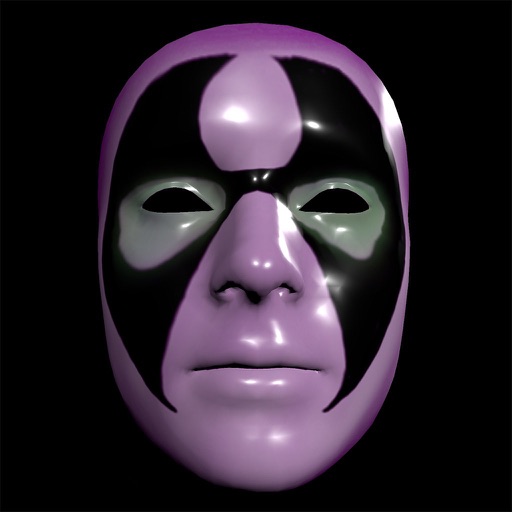
Create and apply custom masks using the iPhone X True Depth Camera for real-time mapping. Edit masks with painting tools, lighting effects, and rotation animations. Access mathematically plotted sci-fi masks.