Apps Like Transparent Widget - Invisible for iPhone and iPad
Customize home screen spacing with widgets
Apply spacing to home screen for better organization. Customize layout and keep pages empty. Remove ads with premium subscription for full functionality.
by Quoc Cuong Pham★ 1.914 ratingsGraphics & DesignFreeData updated 2026-09-06
Customize home screen icons with a library of icons and color options. Apply flat colors or gradient backgrounds. Use pre-made theme kits and packs like Gradient or Dark Cat. Edit combinations and apply new to change the phone's appearance.
Remove unwanted parts of photos using precise erasing tools. Change backgrounds with the feature. Undo actions or restore previous edits. Zoom for detailed adjustments and blur edges. Save and share edited images directly.
Upload selfies, transform into dolls, share results
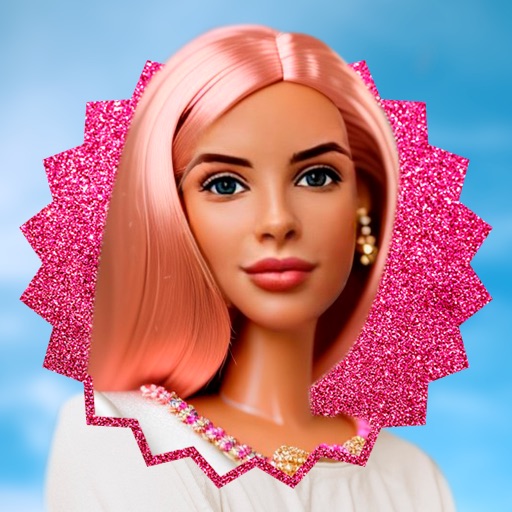
Upload a selfie to generate a miniature, AI-enhanced version of yourself. Apply filters and effects to customize the appearance. Share the result on social media. Adjust poses and expressions using editing tools.
HC MAKER - PHOTO LOGO BACKGROUND EDITOR APPS FOR FREE
Apply filters to your videos and share
Apply filters to videos. Swipe left or right to browse . Import videos and apply selected filters. Save or share edited videos on Instagram story. Subscription available for monthly access to premium .
Customize home screen with themes, , and . Replace with personal photos. Create shortcuts for selected apps. Comment, create custom , and share designs via timeline.
Create artworks from photos or videos using styles like , sketch, oil painting, and watercolor. Choose textures such as canvas or paper. Adjust tones and apply filters. Share creations directly from the .
Edit videos and photos with background addition for portrait or landscape formats. Apply blur effects without cropping. Share edited content via a new sharing screen. Access media across devices from a centralized library.
Take photos using an analog interface with flash and shutter controls. Capture indoor images by pressing the flash button and holding it while taking the shot. Share photos with the # hashtag.
Convert videos into vintage style with adjustable date settings and filters. Import custom videos, add text and emojis, and include background music. Use flashlight, zoom, and selfie mode for enhanced recording and editing.
Using artistic fonts and effects. Adjust size and shadow. Apply stickers and tattoos. Choose colors and rotate . Share edited directly to social media.
Create intros for YouTube and iMovie videos using 20 customizable templates. Add effects, text, and music to templates. Export finished intros to the gallery. Edit and customize intros directly within the .
Customize iPhone or iPad Home Screen with aesthetic themes and . Add clock, calendar, battery, date, quote, , usage monitor, and countdown . Adjust fonts, colors, and backgrounds for personalized design.
Create VHS-style videos with camcorder effects and glitches. Record photos and videos. Adjust dates and apply filters. Edit footage with 90s-inspired tools. Share finished projects directly.
Create videos and share directly. Apply themes for birthdays, weddings, and celebrations. Add animated transitions and multiple songs. Edit filters, text, and customize effects. Export and share finished videos.
Create personalized cartoon avatars with customizable facial features and styles. Choose from a library of emoticons and GIFs to express mood. Share avatars in chats or social media.