Draw on a or whiteboard with adjustable brush sizes and multiple paint colors. Create shapes like lines, arrows, circles, and polygons. Add text with customizable font sizes. Import photos and record video directly within the .
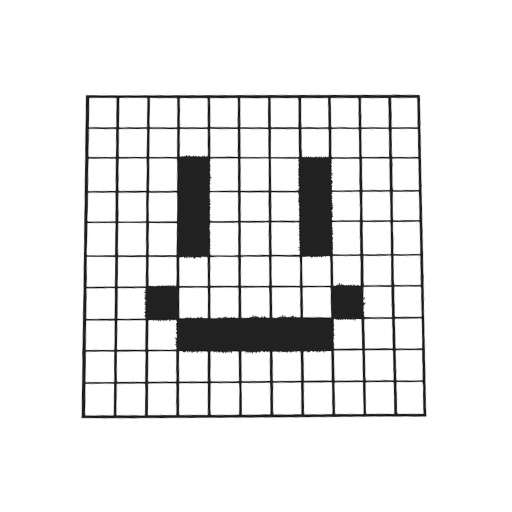
Create pixel art with automatic double pixel removal for precise line art. Use round, square, and matrix dither brushes. Draw lines locked to isometric angles. Create rectangles and ellipses. Manage layers for animated projects.
Customize iOS home screen with clock and calendar . Upload local images for customization. Add in simple steps. Display cute and funny content on lock screen.
Manage schedules with a clean, intuitive interface. Sync with iCloud and Google Calendar. Share events with others. Customize font size and appearance. View daily, weekly, and monthly views. Set reminders for appointments.
Crop and rotate images into various shapes. Add text, arrows, and shapes for annotations. Pixelate sections or draw freehand. Share edited photos directly with contacts.
Create a by handwriting with customizable color and pen thickness. Choose from different pen and eraser tools. Undo or redo actions. Save the as an image or copy it to the clipboard. Scale display is available.
Create logos and enhance brand images with customizable templates and design tools. Edit logos with layer adjustments and eraser functions. Add text, stickers, and backgrounds. Save and share designs freely.
Create logos for business, advertising, and social media marketing. Choose templates, customize colors, fonts, and graphics. Export logos in various formats and share directly. Design promotional materials like posters, brochures, and cover photos.
Displays current time with customizable 3D map and photo wallpapers. Adjust clock font color, size, and background. Add custom text beneath the clock. Includes music alarm, timer, and stopwatch. Supports widget display.
Edit images with drawing tools like rectangles, ovals, arrows, lines, and text. Add notes and highlights. Adjust colors and brightness. Save and share annotated images directly.
Allows users to add and edit text, remove or change backgrounds, style captions with custom fonts and colors, mirror the screen, and control the remotely. Users can record videos while reading scripts in real time.
Adjust text size and spacing for better readability. Choose from accessible fonts like OpenDyslexic or Comic Sans. Customize line spacing and background color. Enable dark mode for reduced light sensitivity. Sync settings across devices.
Edit photos with skin smoothing and whitening features. Adjust enhancement levels from 1 to 8. Apply 12 unique filters for enhanced selfies. Add makeup tools for detailed facial enhancements. Save and share edited images directly.
Take a photo or select an from the library. Crop and rotate the photo as needed. Convert from the quickly with auto-detected language. Copy or share the extracted through multiple options.