Apps Like Cut & Paste Photo Editor for iPhone and iPad
Crop photos and on new backgrounds
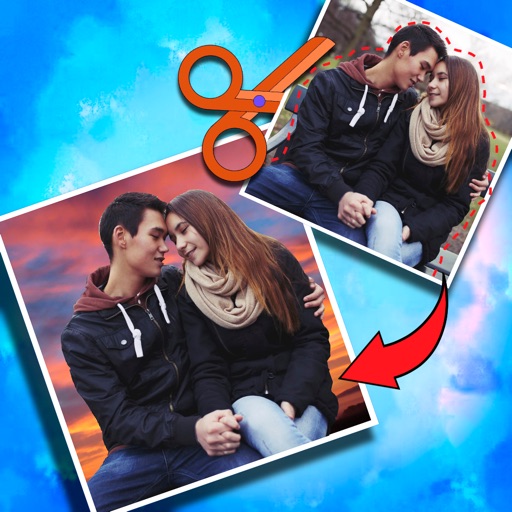
Crop photos and save individual cropped sections for later use. Combine cropped images with backgrounds or other photos to create new compositions. Apply filters to enhance the visual appearance of edited images.
by Koruskan SC★ 4.239 ratingsPhoto & VideoFreeData updated 2026-09-06
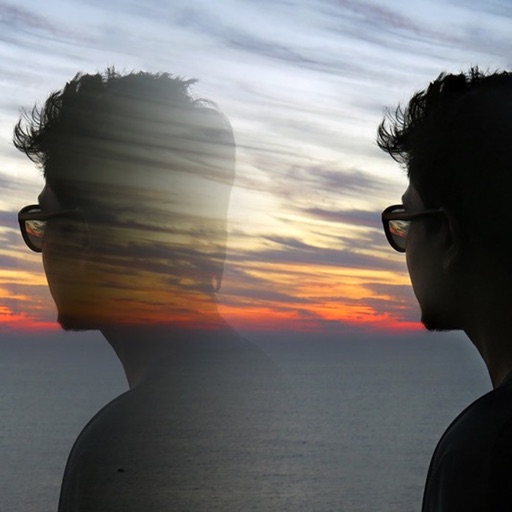
Edit photos with 12 blend modes including overlay, multiply, difference, and exclusion. Combine foreground images from a growing library of over 400 options. Export and share edited creations.
Edit photos by adding customizable from a large selection. Adjust brightness, contrast, and saturation. Crop images and apply filters. Share edited photos directly to social media or messaging apps.
URL stores links, articles, and videos in an organized list. to Audio converts videos into MP3 or M4A files. Photo Background Eraser removes unwanted backgrounds from images. Edit photos with cropping, filters, and text.
Create artistic images with single-tap camera effects and professionally designed filters. Adjust brightness, contrast, and tone curve. Blur and focus images. Rotate, crop, and resize photos. Add text and fun stickers.
Edit photos with background erasing and replacement. Remove backgrounds automatically or manually using AI. Replace backgrounds with custom images, colors, gradients, or textures. Adjust and enhance images with precise editing tools.
Post videos, add transitions, share without cropping
Create and edit videos for social media. Add transitions between clips. Set background to blurred video, gradient, solid color, or image. Include photos and music from cloud storage. Post extended videos to Instagram stories without cropping.
Create collages using hundreds of templates, layouts, and design options. Add effects, text, and stickers to photos. Share finished projects directly to social media accounts. Edit images with cropping, filters, and adjustments.
Edit photos using filters, adjustments, effects, blur, focus, rotate, draw, crop, resize, and add text or stickers. Share edited photos across social media platforms. Apply free tools to enhance and customize images.
Edit photos with filters, contrast, brightness, and color adjustments. Add text, stickers, and drawing tools. Customize images and landscapes. Export in high quality. Access a free image library. Apply advanced editing features.
Create -themed with customizable effects and designs. Edit photos with filters and overlays. Save and share edited images on social media. Adjust settings for high-definition output. Apply professional-grade effects for enhanced visuals.
Edit photos by removing backgrounds from portraits and creating posters and wallpapers. Use cartoon face filters to transform appearances into webtoon-style characters. Choose from templates to enhance images and share them directly.