Apps Like Cut & Paste Photo Editor for iPhone and iPad
Crop photos and on new backgrounds
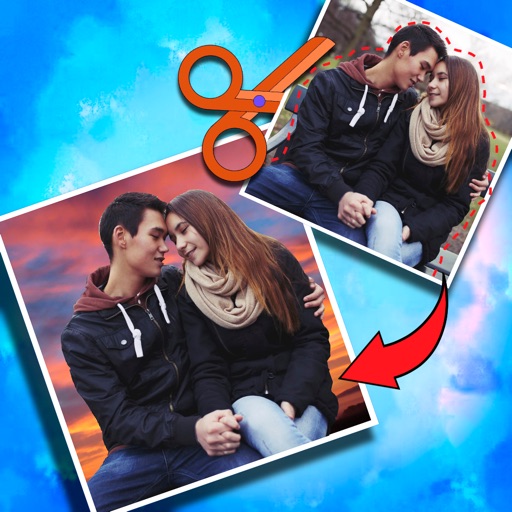
Crop photos and save individual cropped sections for later use. Combine cropped images with backgrounds or other photos to create new compositions. Apply filters to enhance the visual appearance of edited images.
by Koruskan SC★ 4.239 ratingsPhoto & VideoFreeData updated 2026-09-06
Create collages with and fairy tale . Add stickers, text, and notes to personalize photos. Edit images with filters and adjustments. Save and share decorated photos directly.
Edit photos by selecting from the gallery or capturing new ones. Apply various and effects. Adjust position, size, and angle. Save, share, or upload to social media platforms like Facebook, Twitter, and email.
Enable one-tap for text and images to speed up information entry. Access target result pages directly with a single tap. Use a versatile toolbox with multiple efficiency tools to reduce redundancy and improve workflow.
The app offers photo editing tools including filters, effects, and adjustments for brightness, contrast, and saturation. Users can add text, stickers, and frames to their images before saving or sharing.
The app allows users to create images using a text editor and drawing tools. Users can select from different pencil types and colors, change backgrounds, and add captions to photos.
Edit photos with LUT color filters, film grain, and textures. Add light leaks, paper burn, and bokeh effects. Import photos or shoot with the built-in camera. Apply vintage light effects and adjust for cinematic looks.
Edit photos with color effects, convert images to grayscale or apply custom colors. Adjust hue, saturation, contrast, and sepia tones. Save and share edited images directly.
Images to custom dimensions or use preset sizes. Crop photos to focus on key areas. images to reduce file size. Convert photos between formats. Adjust quality settings for optimal results. Share compressed files directly from the .
Edit photos by selecting from the gallery or using the camera. Apply multiple and effects. Adjust position, size, and angle. Save, share, or upload images to social networks like Facebook and Twitter.
Decorate photos with customizable and effects. Choose images from the gallery or capture new ones. Adjust position, size, and angle. Save, share, or upload photos to social media platforms.