Apps Like Cut & Paste Photo Editor for iPhone and iPad
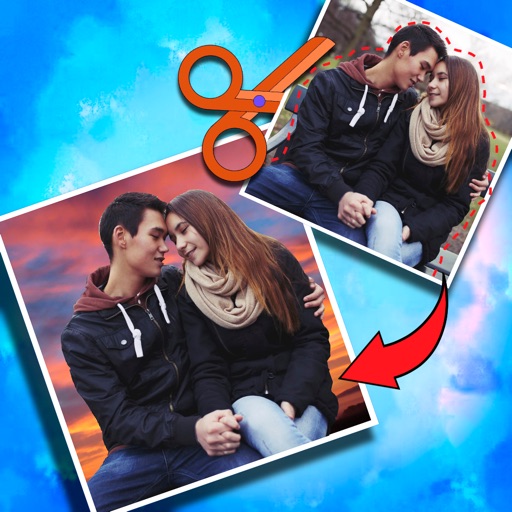
Crop photos and on new backgrounds
Crop photos and save individual cropped sections for later use. Combine cropped images with backgrounds or other photos to create new compositions. Apply filters to enhance the visual appearance of edited images.
by Koruskan SC★ 4.239 ratingsPhoto & VideoFreeData updated 2026-09-06
Edit photos by removing objects and changing backgrounds. elements to create montages. Adjust transparency and replace backgrounds. Save and share edited images directly.
Edit photos with AI-powered tools, intuitive gestures, and customizable sliders. Adjust exposure, colors, and clarity. Add text, stickers, and borders. Export in various formats and share directly. Sync edits across devices.
Create custom ringtones by selecting audio from media library, recordings, or videos. Trim specific sections of audio to set length. Edit audio files to adjust volume or add effects. Save and share ringtones in MP3 format.
Create collages and edit photos with cropping, filters, and text. Add stickers and remove backgrounds. Edit videos, create slideshows, and design invitations. Share directly to Instagram with hashtag management.
Edit photos by applying filters and adding eye effects. Choose from multiple eye styles and import images from the camera roll. Share edited photos on social media platforms like WhatsApp, Facebook, and Twitter.
Create collages by combining photos, adding stickers, and applying effects. Choose from multiple layouts and templates. Edit images with cropping and filters. Share finished collages directly to social media.
Apply flower to photos from your album. Choose from various like roses, daisies, and sunflowers. Add color filters and adjust appearance. Share edited photos with family and friends.
Edit photos with crop, rotate, exposure, color, sharpness, and resize tools. Create grid collages and edit individual images. Access presets, clone tool, and fine curve adjustments for detailed edits. Export and share edited photos directly.
Two photos to create a double exposure effect. Adjust blending modes and positions to merge images. Apply filters and share results on social media platforms like Instagram and Facebook.
Perform reverse searches using Google, Bing, or Yandex. Upload images from the gallery or camera roll, or paste URLs. Edit and crop images before searching. Find similar images and check for duplicates.
Resize photos to format without cropping. Apply filters, add text, emoji stickers, and customize background effects. Share directly to social media platforms.
Edit photos and videos with hairline matting for precise background removal. Erase unwanted people from images. Apply artistic filters and templates. Create greeting cards, memes, and ID photos. Export edited content in various formats.
The app captures full-page web page snapshots using its built-in browser. It saves, shares, tiles, and previews these images, including content not initially visible on screen.
Monitor vehicle performance with real-time gauges and graphs. Track fuel economy to reduce gas costs. Diagnose issues using the on-board ECU. Troubleshoot malfunctions without a mechanic. Access detailed performance data and save money on fuel.
Edit photos with smart foreground recognition to isolate subjects. Add customizable with options for font style, size, color, opacity, alignment, spacing, shadow effects, and background colors. Crop images using an easy-to-use tool.