Capture spatial photos and videos in 3D on iPhone Xs and later models. Record up to 4K and HDR spatial videos on compatible devices. Use time-lapse mode for dynamic captures. Launch Spatial Camera from the lock screen on iOS 18.
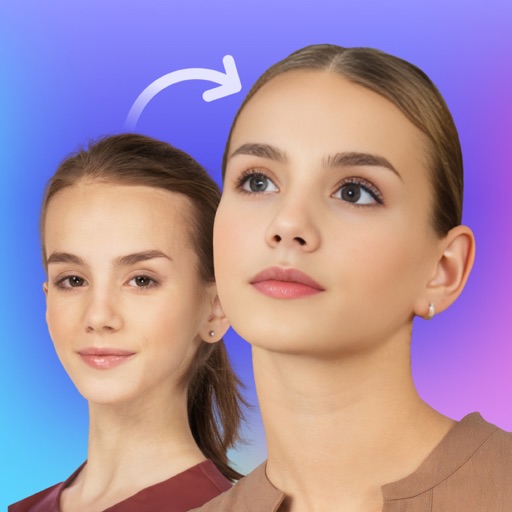
Swap faces in photos with AI technology. Adjust facial features and expressions. Anonymize or prank by replacing faces in profile portraits. Handle complex cases like sideways faces, glasses, and headwear. Swap faces up to 1024 px in size.
Record videos with adjustable resolution, frame rate, and bitrate. Select from multiple aspect ratios. Pause and resume recording. Use time-lapse mode. Export videos in various formats.
Plan and execute drone flights with pre-programmed missions. Capture and view high-resolution aerial images and videos. nd share interactive maps, orthomosaics, and 3D models. Manage data and settings directly from the mobile device.
Allows users to view service notices, check compatibility details, and access existing features. It provides information about update discontinuation dates and supported operating systems.
Convert videos into vintage style with adjustable date settings and filters. Import custom videos, add text and emojis, and include background music. Use flashlight, zoom, and selfie mode for enhanced recording and editing.
Capture recordings of games or apps with smooth, stable performance. Use simple controls for quick captures. Choose Ultra HD or adjust resolution, bitrate, and FPS for custom quality. Rename files and manage storage through the History feature.