Print images as large posters by dividing them into pages. Each page has a thin border line for cutting and barely visible numbering at the bottom left. Users can deactivate page numbers in settings.
by Vitalij Schaefer★ 4.5374 ratingsPhoto & VideoFreeData updated 2026-09-06
Create logos and brand identities with drag-and-drop tools and customizable templates. Choose colors, fonts, and graphics. Export designs in various formats and share directly. Compete with ideas and refine concepts quickly.
Create promotional posters and cover photos with customizable backgrounds, textures, and effects. Add text using design fonts and include stickers. Save and share the final design directly.
Create flyers, posters, logos, and social media graphics with customizable fonts, filters, shapes, and artwork. Add text, adjust colors, and export designs for print or online use.
Edit photos using one-tap presets for instant style. Adjust brightness, contrast, and saturation manually. Crop, rotate, and straighten images. Add text, stickers, and borders. Export edits in various formats and share directly.
Upload from your device. Select print sizes and quantities. Choose pickup locations at Walgreens, CVS, or Duane Reade. View order status and track delivery to the selected store. Print instantly and collect them within one hour.
Create text designs with advanced typography tools. Choose fonts, adjust spacing, and align text for balanced layouts. Export as images or share directly. No design skills required.
Create flyers and logos using AI-generated designs. Input text or ideas to generate visuals. Customize colors, layouts, and fonts. Export designs in various formats and share directly.
Create greeting cards and postcards with customizable templates, decorations, stickers, emojis, and fonts. Add photos, adjust text, and export designs to share via social media or email.
The app allows users to print photos, photo books, and personalized gifts from their smartphone. Users can select photos from their device or social media, choose formats, and customize products before ordering.
Create AI-generated portraits in various artistic styles. Choose from filters like Classic Portraits, Joker, Anime, and Pablo Picasso. Adjust head angle and lighting for better results. Apply proprietary video style transfer in real time on device.
Games allow users to select color by number puzzles and images by tapping colors. Features include on pages, recoloring existing artwork, and saving progress. Users can access pixel art books and sketch freely without internet connection.
Create collages in custom sizes. Choose from 300 layouts. Place images manually or automatically. Export for video, social media, or printing. Set dimensions for specific paper sizes. Share or save collages directly.
Create professional ID photos with automatic portrait drawing and background replacement. Adjust background colors instantly. Choose from various dress options. Save ultra-high definition images for use.
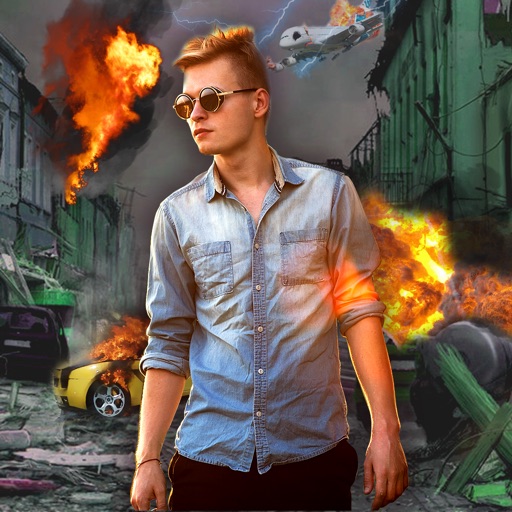
Edit photos with -themed effects like explosions, bomb blasts, and action stickers. Apply customizable FX frames and VFX filters. Decorate images to resemble posters. Share edited photos directly.
Create invitations, posters, and cards for events like birthdays, weddings, and parties. Choose from numerous templates. Customize with photos, text, and colors. Add personal touches and export designs for printing or sharing.
Create invitations and greeting cards for special occasions like birthdays, weddings, and baby showers. Add text, images, and custom designs. Choose from templates and personalize with emotions. Share via email or social media.
Create posters, banners, and flyers with customizable templates. Select pre-sized options for instant scaling. Add text, images, and graphics. Export designs in various formats and share directly.