Collaborate on shared photo albums, upload and view images in real time. Invite friends to join projects, comment on photos, and download edited versions. Sync across devices and manage access permissions.
by Huy Kieu Thanh★ 1.01 ratingsPhoto & VideoFreeData updated 2026-09-06
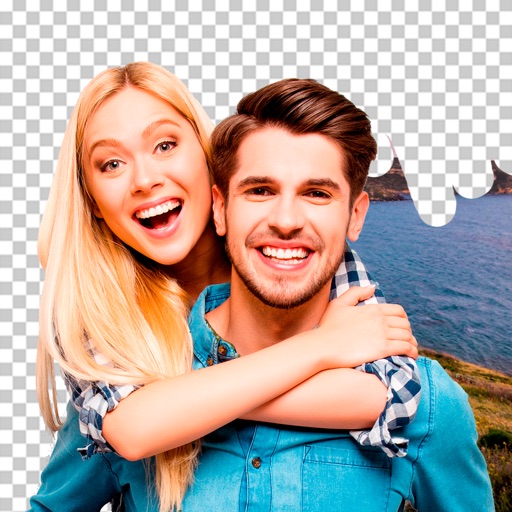
Edit photos by removing objects and changing backgrounds. elements to create montages. Adjust transparency and replace backgrounds. Save and share edited images directly.
Edit photos with border, frame, text, and sticker options. Add custom textures or personal photos as design elements. Use high-resolution stickers to enhance creations. Export edited images in various formats.
The app allows users to save selected photos and videos into albums. Users can create albums, export saved items to the camera roll, and use a secret mode with a password lock.
Guests can upload photos and videos without downloading an using unique QR codes or links. Organizers can create events and manage media. Users can view, share, and download content from events.
Apply vintage filters and presets to enhance photos. Adjust brightness, contrast, and saturation. Add film grain and color tones. Save and share edited images directly.
The app offers a variety of tools for photo editing, including filters, effects, stickers, and text options. Users can easily share their edited images to social media platforms.
Create employee videos by combining team authenticity with brand elements. Add text, images, and music. Export and share videos directly. Track progress and manage multiple projects.
Create videos with text effects, music, and templates. Edit stories and with intuitive tools. Import source materials and design content without advanced skills. Share finished projects directly. Collaborate with creators and businesses.
View and download event photos and videos instantly. Share selected images to social media. Enter an event ID to follow and access content. Share event ID with friends and family. Facial recognition organizes personal photos into a separate album.
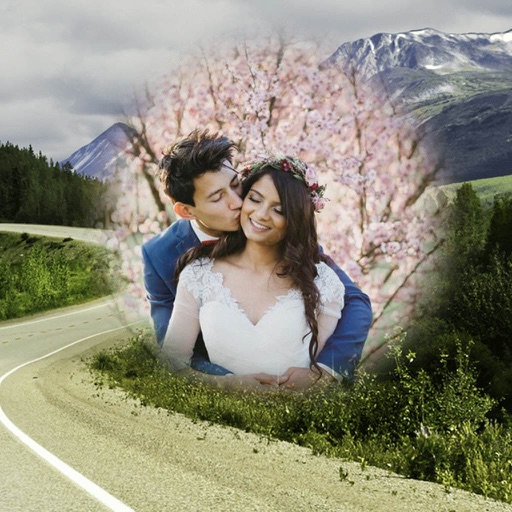
Edit photos by selecting from the gallery or capturing with the camera. Apply multiple and effects. Adjust position, size, and angle. Save, share, or upload images to social media platforms like Facebook, Twitter, or email.
Edit photos to change using 40+ pre-defined shades. Draw and erase unwanted areas. Save edited images. Apply visual effects without makeup. Adjust and preview changes instantly.
Edit photos with effects, spirals, art, and beauty filters. Add background arts and adjust brightness. Export edited images in various formats and share directly.
Edit photos with AI-powered tools for skin smoothing, sculpting, and makeup application. Adjust lips, eyebrows, and hair color with precision. Apply filters and simulate beauty enhancements. Share edited images directly.
Download and manage photos. Post to social . Update listing details and generate links. Print marketing materials. Check photo shoot appointments. Place orders and pay balances.
Remove unwanted objects or people from photos and videos by painting them and tapping "erase." Edit images to eliminate pimples or blemishes. Save and share edited content directly.