Collaborate on shared photo albums, upload and view images in real time. Invite friends to join projects, comment on photos, and download edited versions. Sync across devices and manage access permissions.
by Huy Kieu Thanh★ 1.01 ratingsPhoto & VideoFreeData updated 2026-09-06
Edit photos with advanced noise reduction tools. Adjust color, contrast, and clarity. Apply sharpening and selective adjustments. Export edited images in high-quality formats. Sync with desktop software for professional workflows.
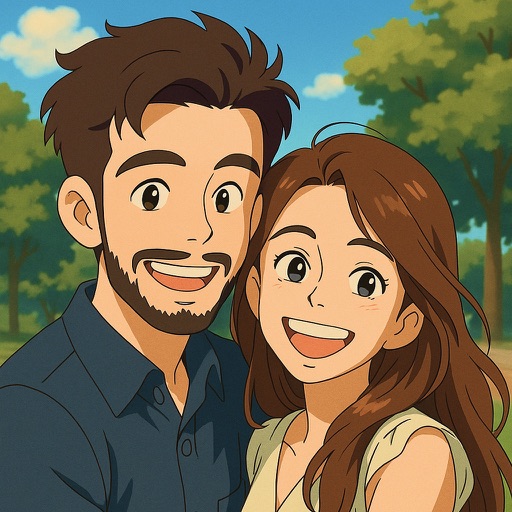
Upload photos to convert into or 3D avatars using AI. Edit images with filters, adjust colors, and add text. Share edited photos directly or export in multiple formats. Create group portraits and customize styles.
Create and share AI-generated manga and character art. Collaborate on projects with other artists. Stream illustration sessions in real-time. Access tools for designing scenes and characters. Participate in fan art discussions and receive feedback.
Capture 360-degree images and videos of assets. Upload data to a central portal. Collaborate in real-time to document asset conditions. ccurate 3D models for digital twin software. Track progress and share collected data securely.
Upload and share photos and videos with tags, titles, and descriptions. Add GPS locations and convert unsupported file types. Comment on content and announce uploads via Twitter. Organize and manage photos efficiently.
Edit photos with frames and burning effects. Add realistic flame art to images. Select from multiple options. Apply effects to enhance visuals. Save and share edited photos.
Decorate photos with customizable and effects. Select images from the gallery or capture new ones. Adjust position, size, and angle. Save, share, or upload edited photos to social media platforms.
Create events or find nearby ones. Take photos and add them to event walls. View photos from others in real time. Photos auto-delete 24 hours after the event ends. Share event links to invite others.
Edit photos with blur background settings, shattering effects, and color frames. Add overlays and crop, rotate, or flip images. Import from gallery or camera, and share edited photos to social media.
SOLDD E-TICARET BILGI VE DANISMANLIK INSAAT OTOMOTIV ANONIM SIRKETI
Edit photos with AI-powered tools
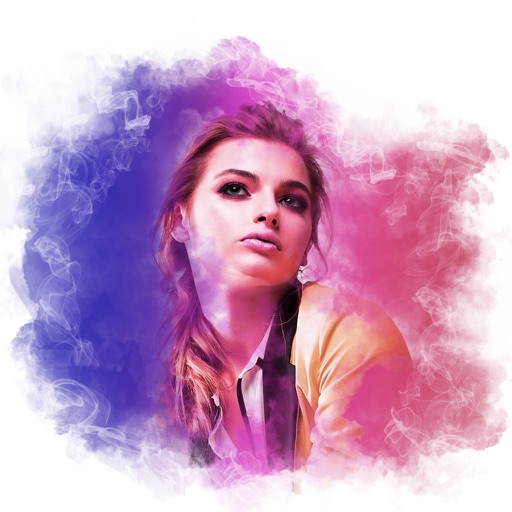
AI Portrait Perfection: Generate realistic portraits from photos with advanced AI. Edit skin tones, remove blemishes, and enhance details. Adjust lighting and shadows for natural results. Export edited images in high resolution.
Edit photos with vintage filters, effects, and customizable frames. Add text and stickers. Crop and adjust images. Save and share edited photos directly.
Edit photos with sea-themed frames, overlays, and underwater effects. Add text and stickers with customizable fonts. Export edited images in various formats and share directly.
The app allows users to download and upload photos between their iPhone/iTouch/iPad and their Mac over wifi. Users can transfer and delete photos and videos, create new albums, and preserve photo metadata.
Edit photos to remove red-eye effects using advanced correction tools. Select images from your camera roll, apply the red-eye removal feature, and save the edited version. Share the improved photo directly from the .
Edit photos by adjusting facial features like nose and eyes. Apply pre-set filters for enhanced appearance. Use AI to detect photo planes and select Bokeh effects to blur backgrounds. Save and share edited images.
Capture photos with 14 free professional filters and 31 additional filters available for purchase. Apply filters in real-time during live camera use. Save and share edited photos directly.
Edit photos with adjustment tools, stickers, frames, textures, effects, and a wide range of filters. Add text and apply effects. edited photos directly from the .