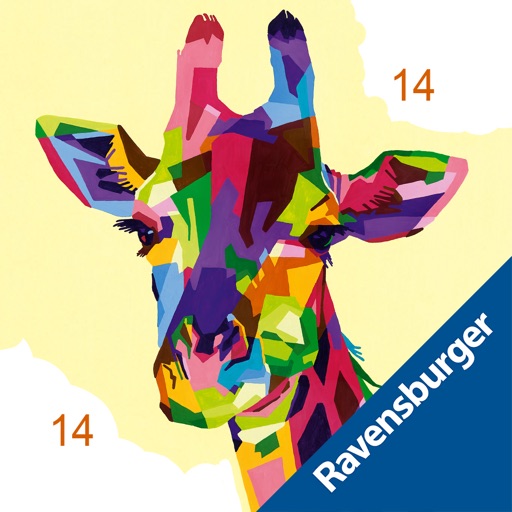
Coloring by allows users to select from various themed artworks like flowers, animals, and landscapes. Choose colors for each numbered section to fill in the image. Save and share completed artwork.
Lets users select and color numbered sections of images. Each area has a linked to a specific color. Users can choose colors, fill in sections, and save or share their artwork. Features include free pages, numbered guides, and color selection tools.
Create and customize road surfaces, apply asphalt textures, and maintain grass areas. Use painting tools to design landscapes. Save and share completed projects. Adjust colors and patterns for realistic effects.
Use fingers to mix colors from a palette and according to a sample image. Match colors and shapes to earn points. Complete stages to achieve three stars.
Games allow users to select color by number puzzles and images by tapping colors. Features include on pages, recoloring existing artwork, and saving progress. Users can access pixel art books and sketch freely without internet connection.
Create art with vibrant colors and realistic tools. Choose from mandalas, animals, patterns, and florals. Tap to or use the paint bucket for quick fills. Share creations with the community.
Draw and color by swiping to match displayed images. Match patterns with your artwork. Collect gems to unlock brushes and tools. Explore 300 levels of painting with varying difficulty.
Coloring pages allow toddlers to draw and color in various themes. Pages include animals, dinosaurs, dolls, and more. Features include hand-eye coordination exercises, color recognition activities, and creative tools.
Create and customize drawings using a variety of colors and brushes. Access categorized pages with detailed patterns. Save and share completed artwork. Adjust brush size and opacity for precise .
Create and customize digital coloring pages with numbered guides. Select from floral, mandala, and animal designs. Paint using touch or stylus input. Generate time-lapse videos of completed artwork. Save and share finished projects.
Children can draw and color using 8 different brushes including crayon, pencil, paintbrush, paintball, chalk, sponge, stickers, and stars. They can choose from over 100 pages. The includes fun effects, sounds, and stickers to enhance creativity.
Swipe to control paintball movement through mazes. Color entire corridors and corners to complete levels. Earn achievements and progress through increasingly complex puzzles. Share high scores and compete with friends.
Play a competitive painting game by replicating given images within a time limit. Choose from various paintings to copy. Compete against others in real-time. Use color and precision to match the artwork accurately.
Create custom art by taking a selfie or photo. Select and pixels based on numbers. Share finished artwork on social media. Use magic wand tool for quick coloring. offline without internet connection.
Coloring allows users to select and customize colors, fill in detailed illustrations, and save progress. Features include zooming, erasing, and accessing a library of artwork.