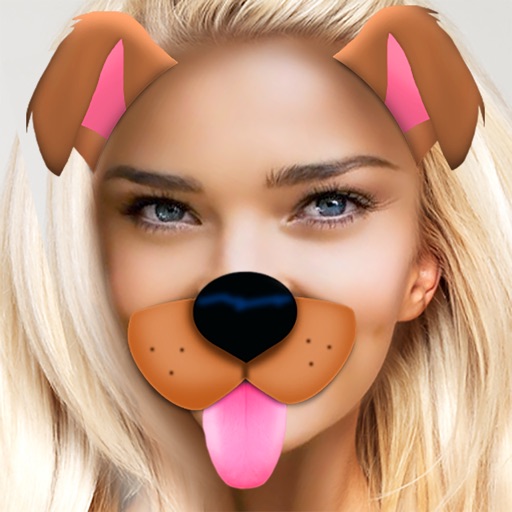
Create custom emojis by adding eyes, lips, hairstyles, hats, glasses, beards, mustaches, and props. Add text with various colors and fonts. Rotate, move, and zoom and text. Share emojis and memes directly within chats or social media.
Edit photos by flipping, rotating, cropping, and applying filters. Use AI to suggest optimal filters. Flip images live during camera use. Batch edit multiple photos and save directly to the library.
Create collages and edit photos with cropping, filters, and text. Add stickers and remove backgrounds. Edit videos, create slideshows, and design invitations. Share directly to Instagram with hashtag management.
Memes using a large collection of templates. Search for templates by popularity, relevance, date, or usage. Add text, images, and labels. Save memes to a list for future editing. Undo and redo changes during creation.
Create GIFs by loading a or recording a new one. Select a time range, start, and end points. Preview the selected segment. View GIF specifications at the end of the main window. Tap and hold to save the GIF to the gallery.
Record reaction videos with live emoji overlays and filters. Add emotions in real time during recording. Edit clips with simple tools and export polished videos directly.
The app allows users to create collages for iPhone or iPod Touch wallpaper using a multitouch interface. It offers creative options such as a black-and-white or sepia converter, border addition, and transparency adjustment.
Edit with filters, stickers, and emojis. Create photomontages with built-in effects. Apply artistic tools for detailed edits. Add with customizable fonts and colors. Export and share edited images directly.
View and organize WhatsApp statuses with one tap. Share and images instantly. Access WhatsApp Web Messenger for browser-based messaging. Enable Dual WhatsApp Support for managing multiple accounts.
Create and customize emojis and stickers by combining elements like eyes and smiles. Edit existing emojis or build from scratch. Export designs as high-quality stickers for WhatsApp, iMessage, Telegram, and social media.
Edit videos by adding zoom effects using pinch or drag gestures. Cut or uncut unwanted sections with the scissors tool. Change aspect ratio and videos. Save and share edited videos directly.