The app allows users to create personalized iPhone wallpapers using photos, calendars, memos, and stickers. Users can add custom stickers and save their designs to the photo album to set as wallpaper.
Organize by calendar and map. View weekly or daily photo collections. Check location and date details in full screen. Search by location or nearby areas.
Create and manage calendars with customizable themes and layouts. Add events, set reminders, and sync across devices. Share calendars with friends and collaborate in real-time. Track tasks and deadlines with intuitive scheduling tools.
Remove photo backgrounds with one tap using automatic analysis or manual tracing. Overlay multiple images with transparency options. Adjust and export edited photos directly.
View and set high-quality HD for iPhones and iPads. Choose from a curated collection of 4K backgrounds. Customize with a built-in photo editor. Enable full-screen mode. Share directly.
View dates in , English, and Chinese. Tap events to see celebrations and holidays. Customize themes and switch between 1900 and 2100. Add English holidays and receive notifications for holy days and upcoming events.
View a monthly calendar to track working days and hours. Add or remove shifts with a single tap. See full month shifts at a glance. Manage schedule with minimal effort.
Access Bible from multiple versions including NIV, KJV, ASV, ESV, and NASB. Each verse is paired with a picture. Save or share and images. Customize fonts, colors, and text size in settings.
Create large tiled banners from photos for Instagram. Adjust size, add photos, and scale or move images. Save tiled banners to your album and upload to Instagram.
Edit photos with filters, select and apply Independence Day , add text with customizable font style and size. Share edited photos via social links. Set color options and arrange images in sets.
Manage clothing by adding items from photos or selecting from brands. Edit details like category, color, and price. Create outfits by combining clothes. Generate random look suggestions. Remove backgrounds automatically.
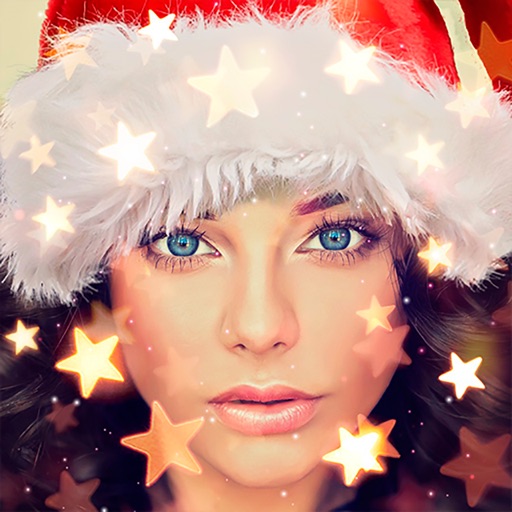
Create holiday cards by selecting from 500+ , filters, and effects. Choose photos from your gallery or camera, add custom text, and share the finished card. Include festive elements like a fluffy Red Santa for fun.
Preview and plan Instagram feeds by adding, deleting, and rearranging photos and videos. Apply filters to customize the look. No login required to view or edit feeds. Test changes before posting.
Edit photos by selecting and removing unwanted elements such as people, objects, trash, pimples, lines, or other unwanted content. Retouch images to improve appearance. Save and share edited photos.
The app allows users to create custom wallpapers with 40 preset colors or customizable color settings. Users can add a calendar for one or two months to their Lock Screen or Home Screen.
Organize and manage photos and videos by creating albums. Swipe right to save preferred items or left to remove unwanted ones. Add albums via the bottom list. View and manage media with intuitive gestures.