Apps Like Flower Photo Frames Maker for iPhone and iPad
Decorate photos with and share
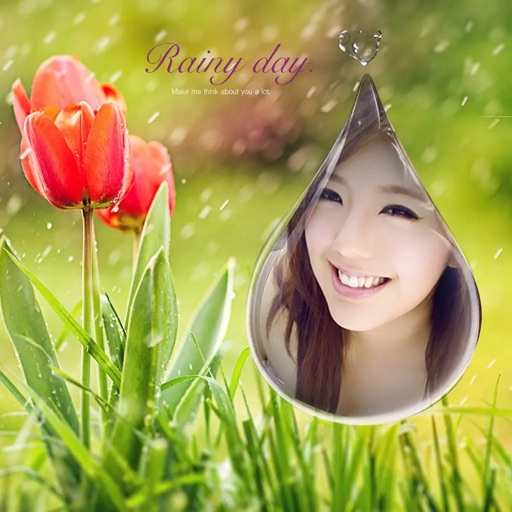
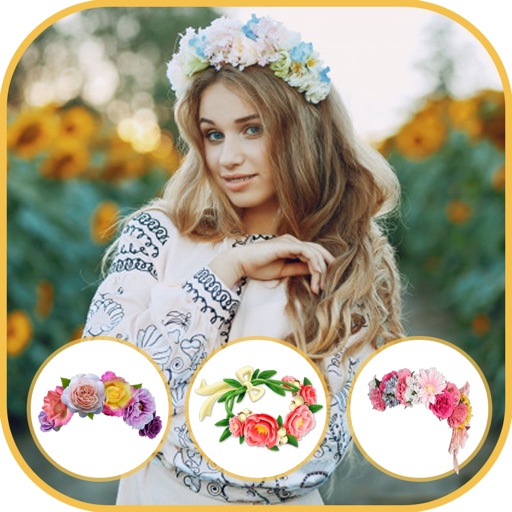
Select a or take a new one with the camera. Choose from over 30 colorful to decorate images. Apply different frame styles and designs. Save edited photos to the gallery and share them on social media.
by SK Studios Limited★ 4.249 ratingsPhoto & VideoFreeData updated 2026-09-06
Edit photos with filters, cropping, and adjustment tools. Add text, stickers, frames, and patterns. Create collages by combining multiple photos. Share edited images directly to social media.
Edit photos by adding -themed like trees, presents, and Santa Claus. Select images from the gallery or capture new photos with the camera. Apply HD quality to enhance holiday pictures. Share edited photos directly.
Create holiday e-cards by selecting from 40+ photo frame templates. Choose a photo from the gallery or camera. Apply effects to personalize cards. Save and share finished designs.
Create with customizable templates and frames. Add stickers, emojis, and crop images in various ratios. Include handwritten text and photos to personalize messages for loved ones. Share directly through supported platforms.
Create photos with customizable and . Apply fun, colorful to images. Share edited photos on social media. Adjust brightness, contrast, and saturation. Add text overlays and stickers. Export images in various formats.
Edit photos by selecting from a gallery or taking new ones. Choose from various -themed to enhance images. Save and share edited photos directly. Create postcards by combining photos with . Adjust and export final edits in different formats.
By selecting photos from the gallery or camera. Choose from various and adjust photos with zoom, rotate, and move features. Send customized greeting to friends and family.
Create collages by selecting photos and choosing from templates. Add backgrounds, colors, doodles, and stickers for customization. Share collages directly to social media profiles.
Add to photos for decoration. Choose from various frame styles. Save and share decorated images. Edit and enhance photos with built-in tools. Organize and store memories in albums.
Select photos from gallery or photo library. Choose from numerous PIP frames. Use single image for both foreground and background or different images for each. Edit foreground and background separately. Apply photo filters.
Edit photos by selecting from the gallery or capturing with the camera. Apply various and effects. Adjust position, size, and angle. Save, share, or upload images to social media platforms like Facebook, Twitter, and email.
Frame photos with customizable for social media. Add text, stickers, and inspirational fonts. Share edited photos directly. Access themed frame packs for different occasions. Edit images with text and creative color options.