Apps Like Flower Photo Frames Maker for iPhone and iPad
Decorate photos with and share
Select a or take a new one with the camera. Choose from over 30 colorful to decorate images. Apply different frame styles and designs. Save edited photos to the gallery and share them on social media.
by SK Studios Limited★ 4.249 ratingsPhoto & VideoFreeData updated 2026-09-06
Edit photos by selecting from the gallery or using the camera. Apply multiple and effects. Adjust image position, size, and angle. Save, share, or upload to social media platforms like Facebook, Twitter, and email.
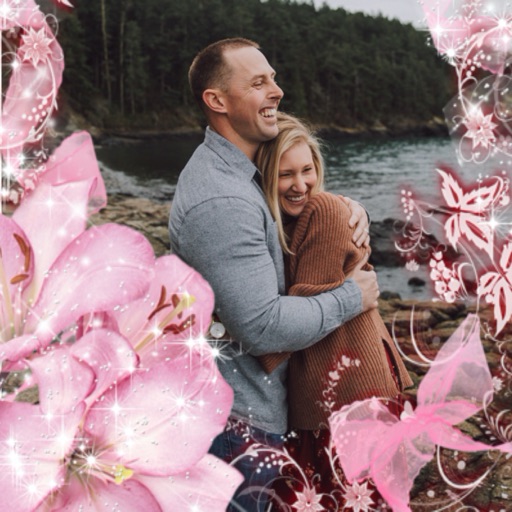
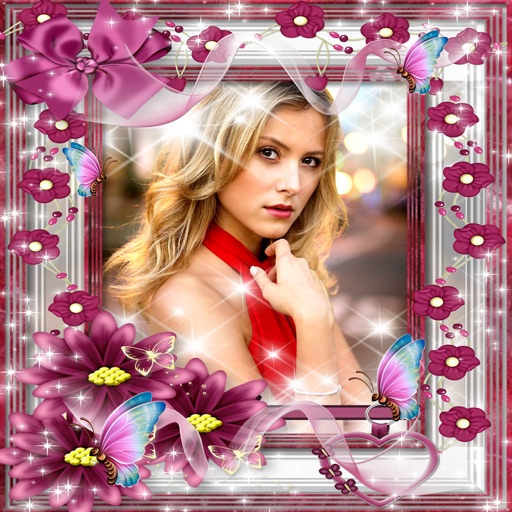
Take photos with customizable nature-themed featuring butterflies and blossoming flowers. Edit images by matching them to . Create unlimited albums and share creations with friends.
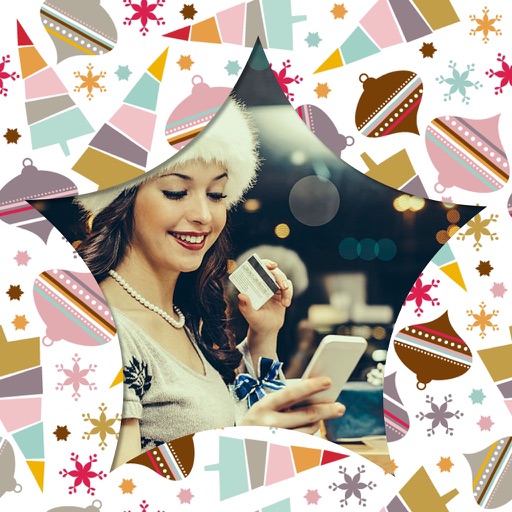
Take photos or choose existing images. Adjust and crop the photo. Add holiday-themed objects like hats, trees, and glasses. Apply Christmas-themed effects and frames. Share the edited photo on Facebook, Twitter, or via email.
Create collages by combining up to 16 photos. Choose from 250+ templates. Import and resize photos. Customize with backgrounds, frames, stickers, and text. Adjust angles and select from various fonts and colors.
Extract high-quality still images from videos or Live Photos. Select and edit frames with built-in tools. View and edited photos directly. Play videos from local storage or iCloud. Scrub through footage for precise frame capture.
Edit photos with 3D and color effects to create立体 art. Apply special effects to enhance images. Save and share edited photos directly. Use fun and intuitive editing tools for creative customization.
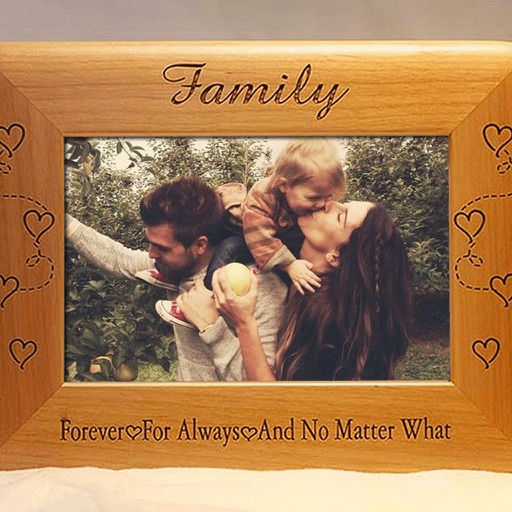
Edit photos by applying -themed frames from a collection. Select images from the camera or gallery. Add text to personalize messages. Share edited photos directly.
Add a -themed frame to images. Choose from over 30 designs. Edit photos with cropping and filters. Save and share edited photos. Apply to both new and existing photos. Adjust brightness and contrast. Export photos in various formats.
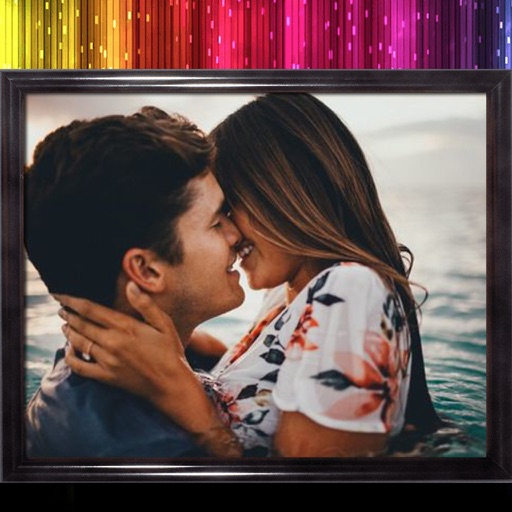
Edit photos by applying multiple effects and choosing from various stylish frames. Adjust image position, size, and angle finger gestures. Save and share modified photos directly.
Edit photos by applying various frames and effects. Select images from the gallery or capture new photos. Access multiple stylish frames and decorative options. Save and share edited photos directly.
Create collages by selecting layouts, adding photos, and personalizing with frames or templates. Arrange images in grids, freestyle, or pre-designed templates. Share directly to social media or messaging apps.
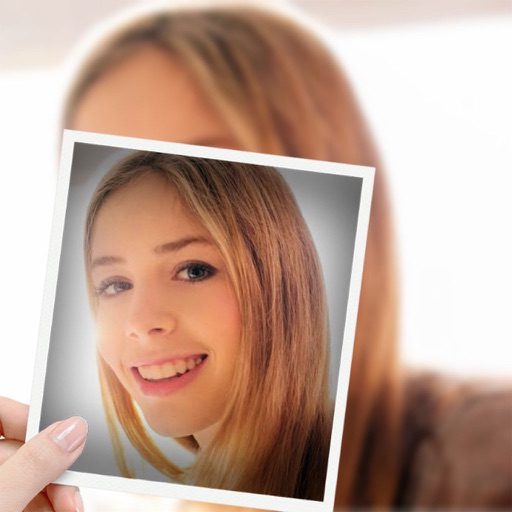
Try on different styles with adjustable fit. Add masks, stickers, and effects to photos. Edit selfies and adjust placement. Share edited photos directly to social media.
Take selfies with pip effects and apply filters like sepia and vintage. Create collages and edit photos with various effects and frames. Select images or capture new ones and enhance them with pip features. Share edited photos directly.
Edit photos by adding , stickers, and text. Create collages and cards with customizable designs. Upload images from the gallery or take new photos. Choose from pre-designed and stickers. Add notes and messages to photos.
The app allows users to combine multiple photos into a single collage. Users can select from various layouts and frames, add captions, and apply special effects.