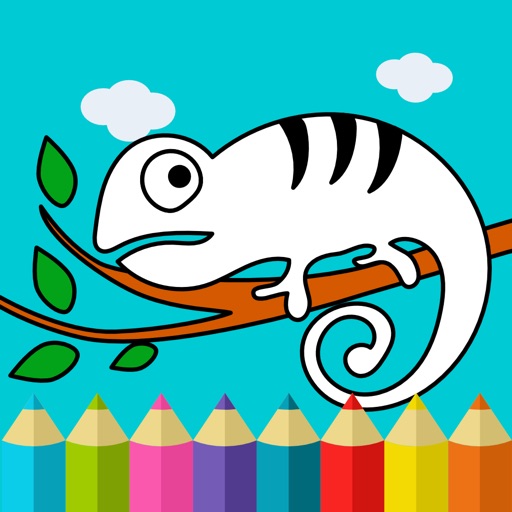
Binky allows children to color pages with touch and drawing tools. Features include color selection, erasing, and saving artwork. Includes 150+ themed pages to develop fine motor skills and hand-eye coordination.
Create digital art or doodles on photos with advanced painting tools like 3D-Shaded , Halo , Plasma Chain , and Translucent . Use Lighten and Darken tools to add depth. Adjust stroke size based on finger pressure. Export artwork in various formats.
Teach toddlers to color with guided sketch templates. Choose from various themed images. Use drawing tools to fill in colors. Save and share completed artwork. Includes interactive elements for engagement.
Create digital art from text prompts by selecting an art style. Generate AI avatars, pet avatars, cartoons, movie characters, star signs, monuments, and icons. Export and share the resulting artwork.
Edit photos with a wide range of effects, from basic adjustments to advanced graphic transformations. Repaint images using various brushes and import Photoshop brushes. Share edited photos on Instagram with the # tag.
The app simulates watercolor blending and spreading behaviors using fluid simulation technology. It supports techniques like wet-in-wet, wet-in-dry, dry brush, and dry on wet, along with pencil sketching.
Educational allows children to color animated stories step by step. Includes painting tools and interactive elements to bring stories to life. Features updated books on various topics.
Create and animate drawings with a variety of painting tools and brushes. Record and share artwork as videos. Use a whiteboard for tutorials and pitch recordings. Access symmetry and guides for precision. Export creations in multiple formats.
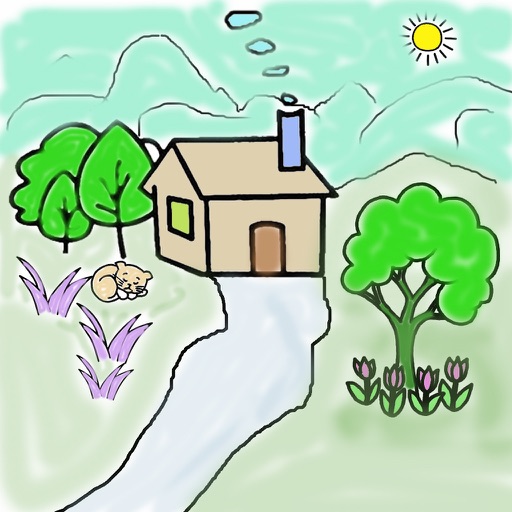
Create art using realistic and watercolor effects. Draw with tools like marker, airbrush, crayon, and eraser. Apply fluid-based watercolor effects in the full version. Adjust colors and blend textures for detailed illustrations.
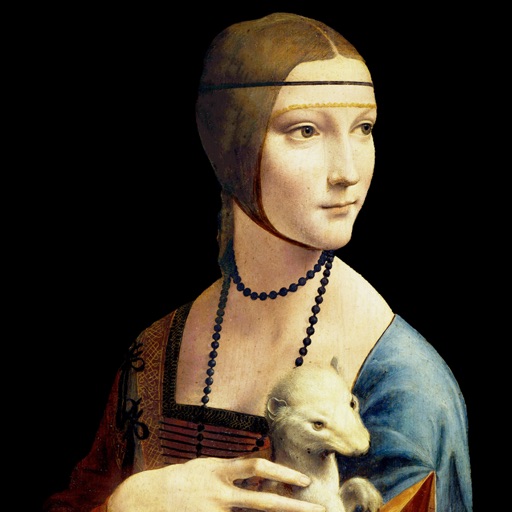
Explore detailed information about including title, artist, creation date, dimensions, medium, and current location. Mark as favorites for quick access. Add customizable widgets to your home screen for easy viewing.
Create and edit digital art with customizable brushes and color palettes. , , and apply filters. Import and modify photos. Save and share artwork. Sync with Apple Health for progress tracking.
Create pixel art with automatic double pixel removal for precise line art. Use round, square, and matrix dither brushes. Draw lines locked to isometric angles. Create rectangles and ellipses. Manage layers for animated projects.