Apps Like Remote App - Mouse, Keyboard for iPhone and iPad
Control your PC with your iPhone over
Turn your iPhone into a wireless mouse, , and touchpad for Mac or PC. Control cursor movement, type text, and navigate menus. Switch between devices and adjust sensitivity settings.
by Adarsh Urs★ 4.015 ratingsUtilitiesFreeData updated 2026-09-06
Control your TV by using touchpad and keyboard functions to navigate menus, change channels, and adjust volume. Access a interface compatible with multiple TV brands. Manage device pairing and settings through the .
Control connected devices with a virtual and touchpad. Access and copy recent clipboard items. Manage subscriptions and adjust settings through account preferences.
Control desktop PC remotely with keyboard, mouse, and media player functions. Access home PC files wirelessly or via 3G. Manage remote overclocking and power settings. Share resources between devices and use hotspot features.
TV with iPhone or iPod. Adjust volume, navigate menus, and access settings. Use one-tap shortcuts for quick access. Manage streaming content and device settings remotely. Sync with players for seamless playback .
Your TV with full functionality: power on/off, adjust volume, mute, and navigate menus using a D-Pad. Support LG, Samsung, Roku, Sony, TCL, Hisense, and Philips TVs. Replace lost remotes with one .
Control via Wi-Fi from iPhone or iPad. Adjust mix parameters, monitor audio levels, and manage playlist queues. Use iPad as a virtual scratch turntable or control for mixing sessions.
Control devices with touchpad gestures and buttons. Adjust volume, change channels, and operate TV functions. Cast photos and videos to TV. Launch favorite apps directly from the home screen. Manage multiple devices with a unified interface.
The app creates a wireless remote camera system using peer-to-peer technology. It allows one device to act as a camera and another as a remote control with a live monitor, supporting group photos, selfies, and hands-free photography.
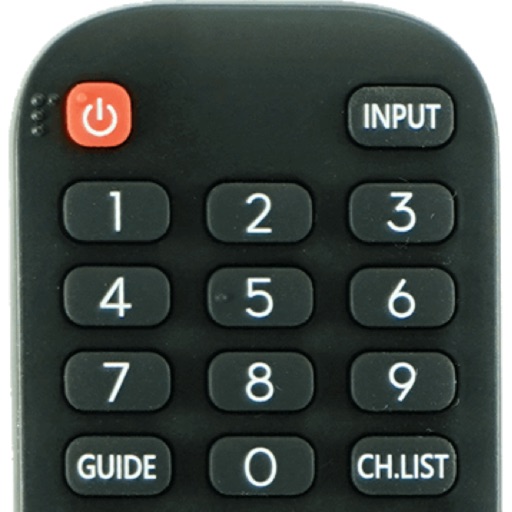
Devices with preloaded models including EN3V39H, 55H6E, and 55R6000E. Access saved profiles for quick use. Navigate with a fast touch pad and keyboard. Use a clean interface to manage device functions without installation.