Allows users to apply effects to backgrounds. Select images from the gallery or capture new photos. Use multiple blurring tools to adjust the effect. Export edited images directly.
Edit photos with automatic face recognition and pixelation. Tap to exclude specific areas. Adjust pixelation style with handwriting options. Save processed images to the photo library.
Edit photos by selecting from a gallery or capturing new images. Apply unique and not found elsewhere. Adjust background colors and photo size. Combine multiple with a single tap. Export and share edited photos.
Edit photos with splash effects, convert images to black and white, or apply custom colors. Add filters, zoom in on photos, and use a brush tool. Export and share edited images directly.
The app allows users to adjust image sizes by importing from the photo library, camera, or clipboard. It helps users correct image sizes for design projects and preview pixelation at different scales.
Convert images to vector files with AI-enhanced tracing. Import JPEG, PNG, or WEBP and export as SVG or high-resolution PNG. Edit SVG files manually for precise adjustments.
Convert static photos into dynamic AI videos with cinematic effects. Add music, text, and transitions. Share directly to social media platforms. Edit video clips, adjust timing, and apply filters. Save and export in various formats.
Upload images or screenshots to identify their locations using AI recognition. Find landmarks, streets, or hidden spots. Track searches, share results, and explore new destinations based on photo origins.
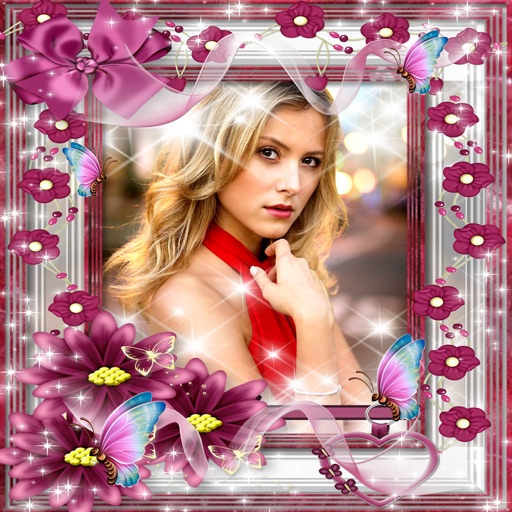
Take photos with customizable nature-themed featuring butterflies and blossoming flowers. Edit images by matching them to . Create unlimited albums and share creations with friends.