Edit photos with background removal, cropping, and resizing tools. Adjust brightness, contrast, and color. Choose from and ID photo templates. Preview and export in required formats. Share directly or save for later.
Create vector art using Bézier tools and Apple Pencil. Convert sketches or photos to SVG format. logos, icons, illustrations, and UI assets. Export vector files for production use. Refine curves and edit vector drawings directly.
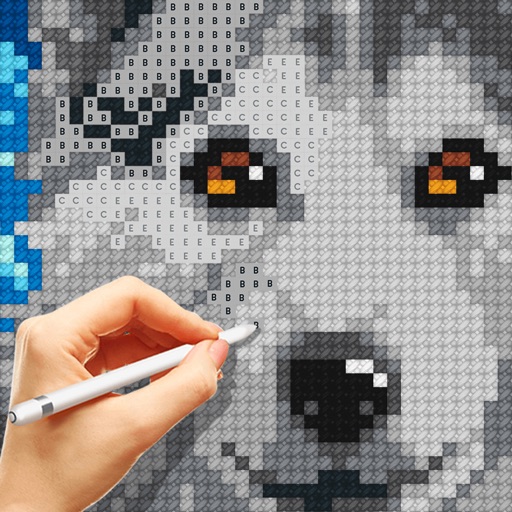
Cross-stitch patterns based on -POP group photos. Users can select and customize stitches, save projects, and share completed work. Access a library of fan-submitted images for stitching. Export and print finished designs.
Create intelligent sketches and drawings with layer management. Add markup for communication. Work through all design phases with fluid tools. Support for architectural and industrial design workflows.
Create embroidery, cutting, and printing designs using a library of thousands of templates and 2,000+ Disney designs. Edit text with 300+ fonts, monogram tools, and shape options.
Scan documents offline with a user-friendly interface. Capture multiple pages smoothly. Add e-signatures and highlight text. Convert scanned files to editable text using OCR. Print PDFs directly. Compress files for easier sharing.
Create and edit digital art with layers, brushes, and customizable tools. Import and export files in various formats. Access cloud storage for file syncing. Subscribe for additional features and materials. Save and export work after trial period.
Create logos and brand identities with drag-and-drop tools and customizable templates. Choose colors, fonts, and graphics. Export designs in various formats and share directly. Compete with ideas and refine concepts quickly.
The app converts photos into pencil sketches and offers a collection of coloring pages. Users can select photos from their album or take new ones with the camera to create sketches.
Create moodboards using images and text. Organize design ideas into boards. Generate color charts, shopping lists, and furniture guides. Export presentations and share directly. Sync across devices for seamless access.
Customize lock screen with quotes, countdowns, and launchers. Choose from 500+ themes and 5000+ HD wallpapers. Update weekly for new designs and widgets. Replace default lock screen with personalized aesthetic options.
Create images from text using generative AI. Adjust colors, styles, and details manually. Save and share generated visuals directly. Explore diverse artistic interpretations based on text input.
Create realistic artwork with pencil, brush, pen, and marker tools. Import images as layers and edit with eraser, ruler, compass, and other tools. Add stickers and use layer management for detailed painting and design.
Stitch multiple photos into a single image. Share the result on Facebook, Twitter, and Tumblr. Adjust alignment and spacing between images. Export in various formats.
The app allows users to remove or alter colors in images. Users can recolor images with chosen colors, change hair color, or alter the sky's appearance.