Provides brushes, fonts, digital fashion, stickers, textures, 3D models, and color palettes for . Includes AI references and anime brush sets. Offers for customizing and enhancing creative projects. Syncs with on iPad and Pocket.
by Tools Products FZ-LLC★ 4.614,856 ratingsGraphics & DesignFreeData updated 2026-09-06
Create 3D models by drawing, sculpting, and shaping in immersive space. Use brushes, erasers, and shapes for detailed design. Apply materials with customizable textures and colors. Transform objects by rotating, scaling, and moving.
Create animated doodles using magical brushes with sound and special effects. Choose from various themes to draw on. Export and share doodles. Watch drawings come to life as moving movies.
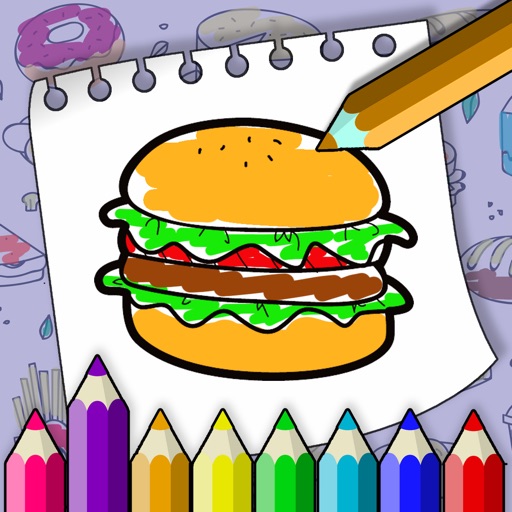
Create and color images with customizable brushes and patterns. Select from various scenes and backgrounds. Save completed drawings. Access interactive elements to enhance creativity and learning.
The app offers over 20 AI-powered tools for photo editing and artwork creation. Users can insert or remove objects, expand artwork, extract lines, remove backgrounds, upscale images, and apply AI filters.
Edit images with tools like Rect Select, Lasso, and Clone. Crop, adjust colors, add text, and apply effects. Use brushes, gradients, and erasers for detailed edits. Save and share edited files in various formats.
Infinite : No size limits—draw endlessly, in for detail or out for overview. Create, sketch, plan, and mind-map without boundaries. Export artwork in multiple formats and share directly.
Kids allows children to create artwork using textured brushes, varying brush sizes, and a bucket tool. Users can draw lines, figures, and save their images. The interface is designed for easy use by young children.
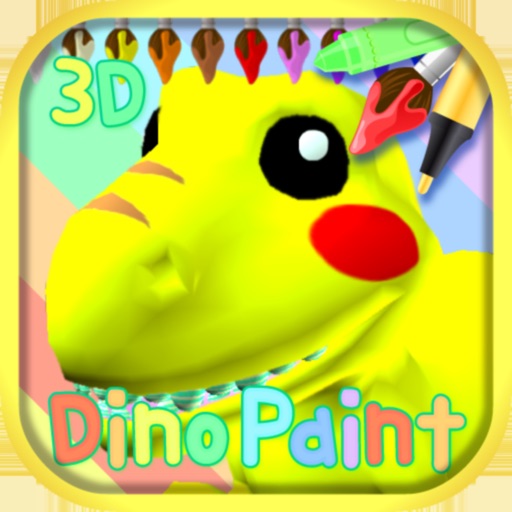
Kids can color of letters, numbers, tools, food, plants, vehicles, professions, dinosaurs, fantasy worlds, and the solar system using brushes, crayons, patterns, or the paint bucket tool. Completed artwork receives a “Excellent!