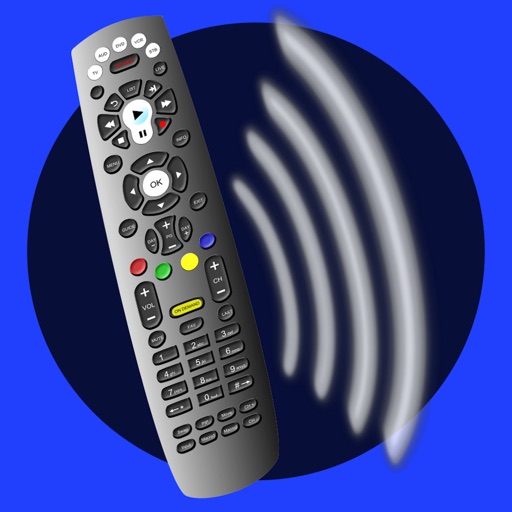
Control Samsung TV via iPhone or iPad on the same Wi-Fi network. Navigate menus, adjust volume, and use a touchpad for precise movement. Access voice commands and customize button layouts for different TV models.
by Tripti Kumari★ 4.3191 ratingsProductivityFreeData updated 2026-09-06
Access and view data from GSX8 and GS828 series data loggers via a user-friendly interface. Tap or pinch to operate. Display data in meter, dashboard, line chart, or report formats. Connect to Premier Server 1.0.1 or newer for real-time updates.
Access remote sites and view live video feeds through a network connection. Select from up to 16 analogue camera channels. Adjust screen orientation automatically. Choose between original aspect ratio or full screen display.
The app turns an iPhone, iPad, or iPod touch into a remote for Cardinal/Detecto weight indicators. It displays real-time weight and offers functions like zero, tare, and gross/net.
The app connects to DVR enabled set-top boxes to schedule and manage recordings remotely. Users can view the TV program guide, filter channels, and manage all DVR recordings, including scheduling and deleting.
Control light devices with single color, CCT, HSI, gel, or effect modes. Adjust hue, saturation, and intensity in HSI mode. Apply 40+ gel colors or 10 customizable effects. Set power levels and color temperatures for RGB-compatible lights.
TVs with a smartphone , eliminating the need for physical remotes. Manage multiple devices, customize buttons, and access shortcuts. Adjust volume, power, and input settings. Sync with systems for integrated .