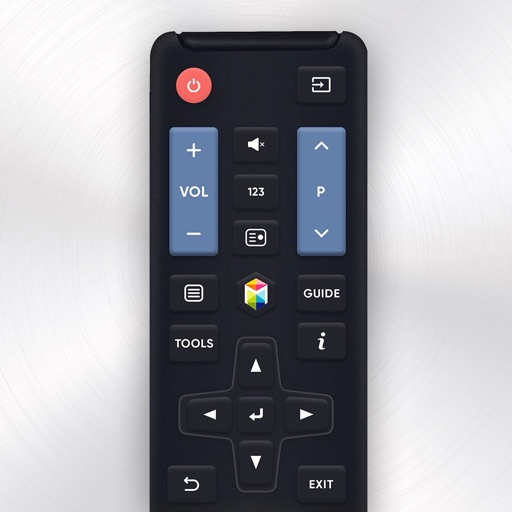
Control Samsung TV via iPhone or iPad on the same Wi-Fi network. Navigate menus, adjust volume, and use a touchpad for precise movement. Access voice commands and customize button layouts for different TV models.
by Tripti Kumari★ 4.3191 ratingsProductivityFreeData updated 2026-09-06
Control TVs by pairing with compatible brands like Samsung, LG, Roku, and Android TV. Navigate menus, adjust volume, and launch apps directly from your phone. Replace a physical with your smartphone for hassle-free TV management.
Turn your smartphone into a for your TV. Connect via Wi-Fi, navigate menus, adjust volume, and switch signal sources. Access popular streaming services directly from the .
Control TV functions with a mobile . Access full remote control features for Samsung, LG, TCL, Roku, Vizio, Fire TV, Sony, and other brands. Connect wirelessly without additional hardware. Automatically detect and pair with compatible devices.
TV functions remotely via Wi-Fi. Adjust volume, switch channels, select input sources, and manage playback. Navigate menus and access streaming apps directly from the phone interface.
Control TV channels, adjust volume, and manage playback with commands. Access a interface compatible with multiple TV brands. Use AI to search for content and navigate menus without manual input.
The app allows users to configure a compatible Cardo device remotely from an iPhone. It provides remote control operation for supported Cardo motorcycle communication systems.
The app controls and adjusts lighting color, brightness, and color temperature via a WIFI network. Users can manage EasyLighting series lighting control products through mobile devices.
Devices on the same Wi-Fi network. Navigate menus and content using a large touchpad. Launch channels directly from the . Search for videos and stream content.
Smart TV functions with on-screen buttons and voice commands. Navigate menus, adjust volume, and change channels. Pair with multiple devices and customize button layouts for different TVs.
TV functions like volume, channel, and power with on-screen buttons. Navigate menus with intuitive gestures. Receive tactile feedback through vibrations. Access multiple devices and apps from one interface. Adjust settings and save custom layouts.