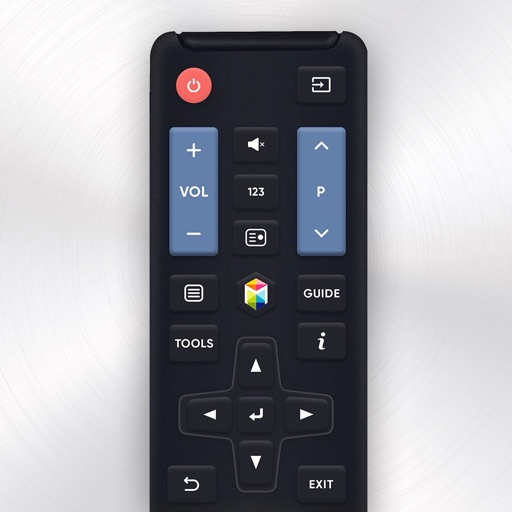
Control Samsung TV via iPhone or iPad on the same Wi-Fi network. Navigate menus, adjust volume, and use a touchpad for precise movement. Access voice commands and customize button layouts for different TV models.
by Tripti Kumari★ 4.3191 ratingsProductivityFreeData updated 2026-09-06
Charge devices, control smart home, monitor energy
Apps allow users to control smart home devices remotely. Monitor energy usage and set schedules for device operation. Receive notifications for system status and security alerts. Adjust settings for lighting, temperature, and appliance functions.
TV functions such as channel switching, volume adjustment, and power settings. Access streaming services and manage playback. Customize button layouts and save preset configurations for different devices.
Control TV and Box Player with a universal . Adjust channels, navigate menus, and cast content to TV. Mirror screen for streaming. Connect via Wi-Fi or IR for wireless operation.
Your TV remotely by connecting to the same Wi-Fi network. Scan your network to locate the TV. Browse channels, cast photos and videos, and stream music. Access multiple remotes from one device. Search for and cast favorite music.
Control TV with WiFi. Turn on/off the TV, adjust volume, browse content, stream media, and launch channels. Navigate menus and access all physical functions via mobile device.
Control LED lights with preset scenes, custom color adjustments, and brightness settings. Manage multiple devices, schedule lighting changes, and access advanced effects for creative displays.
Your TV with a phone that acts as a . Adjust volume, change channels, and navigate menus. Compatible with Samsung, Roku, LG, Sony, FireTV, AndroidTV, Vizio, and Hisense. Connect via Wi-Fi to operate the TV from anywhere in the home.
TV functions with a touchpad and integrated keyboard. Navigate menus and access settings quickly. Use voice commands to search for content. Access a sleek, intuitive interface. Compatible with multiple TV brands and models.
TV with touchpad navigation and swipe gestures. Access traditional buttons for precise . Manage multiple device brands and models. Navigate menus intuitively with on-screen touchpad.
Control TV functions remotely via iPhone or iPad. Automatically detects and connects to compatible Smart TVs over WiFi or Ethernet. Adjust volume, change channels, and navigate menus without physical . Requires TV to be powered on for detection.