Access and download high-quality in various styles such as nature, abstract, and minimalistic. Browse curated collections, set as device wallpaper, and manage downloaded images. No in- purchases or subscription fees.
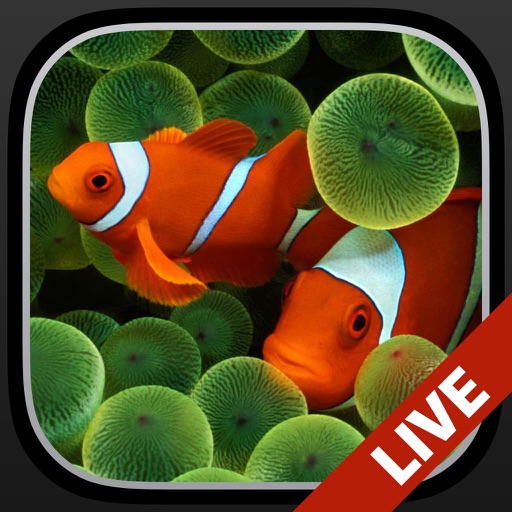
Change the wallpaper with animated scenes featuring sharks, clownfish, and blue tang. Swipe through multiple wallpapers to select favorites. Save preferred wallpapers to the Camera Roll for later use. Requires iPhone 6s or later.
Wallcraft Wallpaper allows users to customize their iPhone with high-quality 4K , live backgrounds, and HD themes. Users can browse categories like minimal designs, nature scenes, and anime art.
Set lock screen and add for iOS 17. Customize time and event displays. Choose from themed backgrounds and interactive . Adjust widget positions and styles. Sync with iOS 17 features for full compatibility.
Create AI-generated based on user prompts. Choose from abstract, scenic, or minimalistic designs. Customize colors, textures, and layouts. Save and set as device wallpaper. Share creations with others.
Set with high-quality 4K images tailored for and . Preview on home and lock screens. Apply blur or blackout effects. Choose from nature, cityscapes, art, and abstract categories.
Set HD and 4K for home and lock screens. Choose from categories like Kaaba, mosque, Quran, Ramadan, Eid, calligraphy, and art. Save and share daily. Update backgrounds automatically.
Customize iPhone lock screen with and additional lock screen settings. Choose from various wallpaper options. Adjust lock screen appearance and functionality.
Create custom lockscreen desktops with DIY art tools. Adjust style, size, and shadow of layered elements. Generate static and dynamic wallpapers that fit all iPhone models.
Browse a wide selection of nostalgic, dark, and aesthetic . Choose from car-themed options. Download and save directly to your device. Personalize your screen with customizable wallpaper choices.
Control smart home accessories with widgets on Home Screen and Lock Screen. Create advanced automations beyond Home capabilities. Access all accessory features and customize with wallpapers. Backup and restore HomeKit configurations.
Set iPhone 14 Pro with high-resolution images featuring themes. Choose from artistic and aesthetic designs. Add live through the Photos . Customize home screen and lock screen backgrounds.