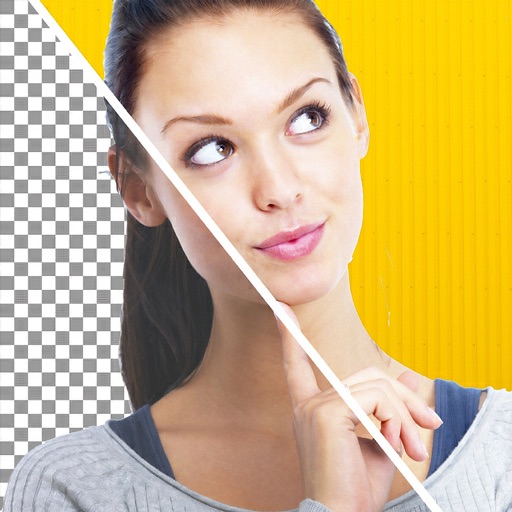
Edit images to remove backgrounds using AI. Cut out objects and replace them with new backgrounds. Adjust edges for smooth transitions. Share edited images directly.
Remove backgrounds from photos using AI technology. Cut out objects and edit images with precision. Overlay subjects onto new backgrounds. Save and share edited images directly.
Photos with one-tap AI enhancement for vibrant colors. Preview edits in real-time. Swap backgrounds with two taps. Use over 20 pro tools including filters, frames, and stickers. Crop and paste objects onto any backdrop quickly.
Create and save custom watermarks using logos or preset templates. Apply watermarks to photos and videos. Batch multiple files at once. Preview and adjust placement before saving.
Edit by cutting out subjects and pasting them onto chosen backgrounds. Adjust brightness, opacity, and shape. Add multiple and share creations on Instagram.
Videos by selecting backgrounds, trimming clips, and adding kids characters. Overlay text and use green screen to remove backgrounds. Apply keyframes and animations for custom effects. Export and share finished videos.
Create intros and openers with pre-made and customized templates across categories like inspirational, social media, sports, and video games. Use images or videos, edit text and fonts, add music or voiceovers. Export final videos.
Remove backgrounds or objects using AI by adding a and tapping "remove." Adjust the new background to a custom color, white, another image, a gradient, or a preset. Add text, shapes, and photos to the edited image.
Remove backgrounds from photos using AI. Select images from the gallery, automatically detect and cut around people or objects. Save as transparent PNG or replace with HD backgrounds. Edit and share edited photos directly.
Photo backgrounds using AI-powered object recognition and automatic cutting. Edit images to create transparent backgrounds. Erase objects or elements with realistic results. Save and share edited images directly.
Create images with added text, , or poems over photos. Customize text color, size, font, and background. Add watermarks, logos, or QR codes. Share directly to Instagram.
Cut photos with AI to remove backgrounds and isolate subjects. them onto new backgrounds or other images. Swap faces between photos and add missing people to family shots. Create collages by combining multiple images.
Create videos from text or images using AI effects. Apply AI-generated hairstyles and outfits to profile photos. rt in cartoon styles or old school yearbook trends. Add face filters and makeup to photos.