Print photos directly from the camera roll to physical prints. Add filters, stickers, and text to customize images. Purchase paper cartridges and manage print settings within the .
Trim, cut, and crop clips. Adjust brightness, contrast, and color. Add slow motion effects. Overlay multiple clips. Export videos in various formats. Share directly from the .
Edit photos and videos with AI-powered tools like face enhancement, makeup application, and background removal. Apply cartoon filters, stickers, and thousands of effects. Capture selfies with AI auto-beautification. Share edited content directly.
The app allows users to upload, edit, and share photos from any device. Users can find inspiration and connect with millions of photographers in a large community.
Edit photos with enhancement tools, effects, and color splash. Add stickers, frames, and overlays. Create collages and custom drawings. Crop, rotate, flip, and straighten images. Adjust brightness, contrast, and saturation.
Edit photos with 60+ presets and filters including film-inspired tones, vintage looks, moody edits, and retro grain. Apply filters live during photo capture. Export edited images in various formats and share directly.
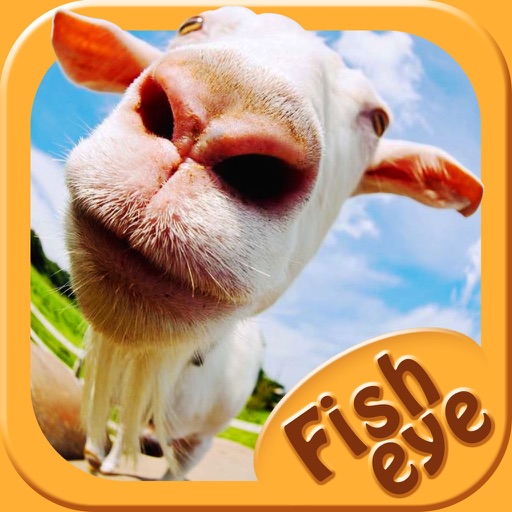
Capture photos a 178-degree fisheye lens for wide-angle . Apply 40+ filters and 8 ring textures for creative enhancements. Switch between lenses, filters, and textures for customized looks.
Create filters and share them with friends. Edit photos and videos with trending effects, stickers, and tools. Apply creative filters and adjust colors. Save and share edited content directly.
Edit photos and videos using over 200 and 100 effects. Adjust brightness, contrast, saturation, and color balance. Crop, rotate, and apply . Export in multiple formats and share directly.
The app offers over 1000 effects, including AI art styles, background replacement, and makeover options. Users can create unique photo montages and collages with a built-in editor and share their creations.
Yue-Jie Innovations Science and Technology Co. , Ltd.
Edit videos with AI templates
Edit videos with AI-powered tools and pre-designed templates. Trim and merge clips. Add text, music, stickers, effects, and transitions. Use Inspire Cam for professional-style shooting. Export final videos in multiple formats.
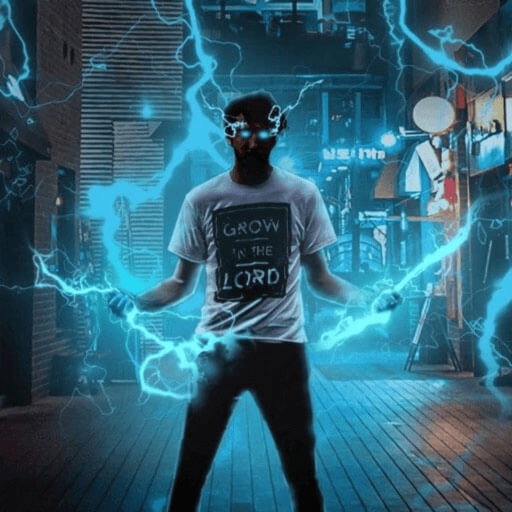
Record and edit videos with visual and templates. Add elements like dragons, magic circles, and space scenes. Include such as fire, laser, and lightning. Export and share edited videos directly.
Create animated photos by adding motion to selected elements. Choose animation styles, adjust timing, and export as video or GIF. Share directly to social media or save for later.
Create and edit photo and video content with scroll-stopping filters and effects. Use award-winning templates and design tools in the Studio. Share content directly to social platforms. Monetize social presence through integrated features.