Create designs with a flexible canvas and 45+ device frames. Sketch with Apple Pencil, build wireframes, and develop interactive prototypes. Collaborate in real-time and export designs in multiple formats.
Create custom layouts for planning and note-taking. Sync with calendars automatically. View local weather and sunrise/sunset data. Use customizable to-do blocks for work and personal tasks. Organize with tags, filters, and pins.
Scan documents using smartphone camera. Automatically or manually capture pages. Crop edges and combine multiple pages into one PDF or PNG. Edit, sign, and share files online. Supports rebate forms, tax documents, business cards, photos, and books.
Create digital by drawing with finger or Apple Pencil. Add typed text and organize into pages. Flip through like a physical notebook. Save and share directly.
Track time until exams, birthdays, holidays, anniversaries, and other important dates. Set reminders with periodic, advance, or event-based alerts. Choose between full-screen and minimal themes. Save and share screen recordings.
Scan documents instantly high-quality PDF, JPEG, and PNG output. Edit scans, add text, and sign digitally. Share files via email, cloud services, or messaging. Organize and store scans in folders for easy access.
Display memos as on the home screen. Create, edit, and organize notes with text input. Set reminders and categorize memos. Share notes via copy or email. Sync across devices.
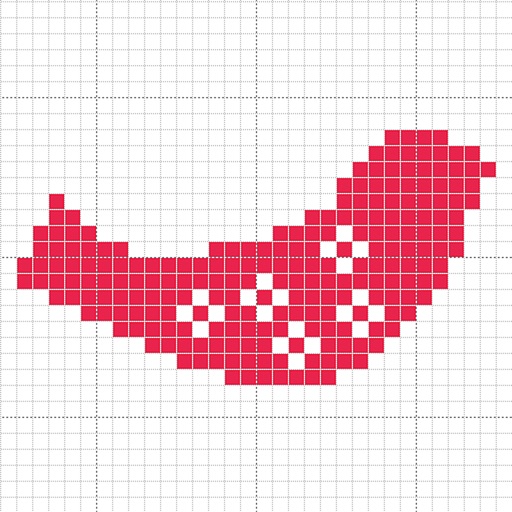
Create custom charts for crafts like cross stitch, bead weaving, knitting, and pixel art. Draw dotted images and design patterns with an intuitive touch interface. Export charts for use in projects.
Create and manage multiple task lists with batch operations for adding or deleting items. Set reminders and view icon badges for pending tasks. Use widgets for quick access and enable dark mode for better visibility. All features are free to use.
Plan tasks with handwritten notes, doodles, and sketches. Switch between yearly, monthly, weekly, and daily views. Customize templates and retain past notes. Sync with Apple Calendar to view events directly.
Scan documents, receipts, IDs, and handwritten notes using the device's camera. Convert scanned content into editable text with OCR. Share or save scans directly. Adjust brightness and crop images.
The app gathers and organizes user information into one place. It allows users to create text notes, scan documents, and make to-do lists, synchronizing them for viewing and editing on other devices.