Create loop videos and GIFs from existing clips or new recordings. Adjust playback speed, apply filters, trim or crop footage, and add music. Share directly to social apps or save to your photo album.
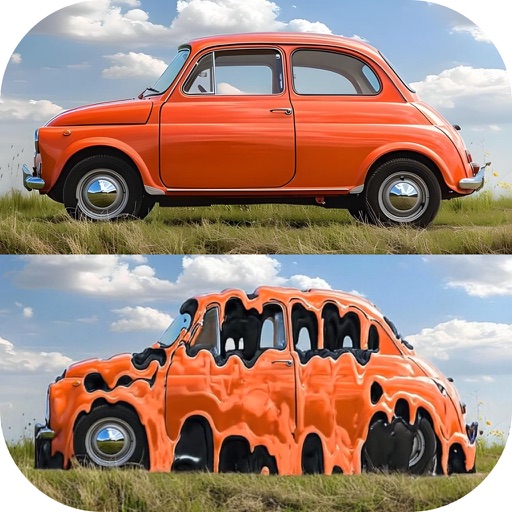
Convert photos and videos to art with 30+ styles and 10+ effects. Record art videos directly or apply the style to existing clips. Save results as videos, live photos, or gifs. Adjust settings to customize the pixelation effect.
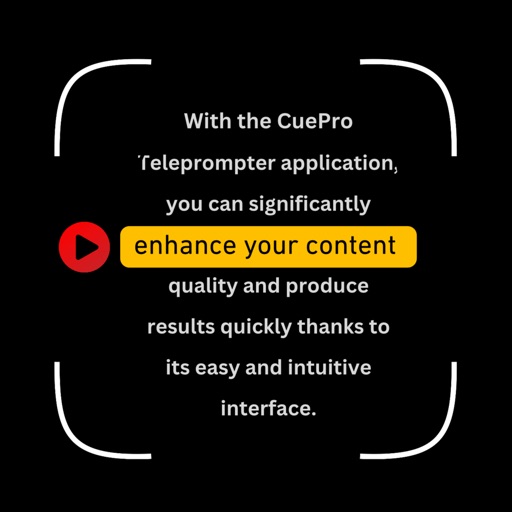
Record videos with on-screen text guidance. Adjust scroll speed and text size for customization. Set fill colors for high contrast. Align text left, center, or right. Flip or mirror for glass rigs. Use front or back camera for shooting.
Create videos by capturing or selecting footage from the camera. Add from a regularly updated public domain library. Apply various effects. Export and share finished videos.
Create text for films or social media videos. Choose background images, videos, or colors. Input credit text to generate smooth, flowing animations. Export and share the final directly.
Create collages by combining multiple photos and videos into framed cells. Add rounded corners, shadows, and patterns. Choose from 500+ adjustable frames. Use an easy color picker for customization.
Display scripts in a floating window for hands-free viewing during filming or live streaming. Import scripts with one click and enable intelligent scrolling. Adjust text size and position for optimal visibility.
Using artistic fonts and effects. Adjust size and shadow. Apply stickers and tattoos. Choose colors and rotate . Share edited directly to social media.
Allows users to compress, reverse, and play videos. Compress files to save storage and share more easily. Reverse videos for creative effects. Play videos directly within the . Save compressed videos for later use.