Apps Like Reverse Video By VidBot for iPhone and iPad
Videos and edit timelines
Videos using a simple interface. Play backward playback. Edit videos with a user-friendly maker. Create reversed videos for sharing. Export reversed videos in standard formats.
by David Dixon★ 5.012 ratingsPhoto & VideoFreeData updated 2026-09-06
Create AI-generated videos from text or images using Google's Veo 3 and Veo 2 models. Input text prompts to generate cinematic videos with realistic visuals, physics, and sound effects. Edit length and export in various formats.
Watch videos directly on Apple Watch without an iPhone connection. Access live streams and browse content. Pause, play, and navigate videos using on-wrist controls. Manage playback and stay updated on favorite channels.
Create GIFs and videos from Live . Trim, reverse, adjust speed, and resize GIFs. Share via iMessage, Facebook Messenger, Twitter, Slack, Tumblr, and more. Select single frames for animation. Edit with 3D Touch support.
In 4K with adjustable settings. Stream to Twitch, YouTube, and Facebook via RTMP. Edit videos, add audio and text, convert to GIFs. Capture dual camera input and create facecam reaction videos.
Flip videos by swiping left, right, up, or down. Rotate videos using two fingers. Adjust playback speed and add text overlays. Share edited videos directly to social media.
Edit photos and videos using over 200 and 100 effects. Adjust brightness, contrast, saturation, and color balance. Crop, rotate, and apply . Export in multiple formats and share directly.
Edit videos with intro and thumbnail makers, YouTube SEO tools, and channel kits. Add reaction cam, slow-mo, doodles, keyframes, and chroma-key effects. Export directly to YouTube and share content.
Record with a pause button to stop and restart recording. Trim and cut videos using the built-in editor. Apply filters like black and white, sepia, or hipster. Save videos in 4K format.
Create and edit AI-generated art and videos. Upload images or videos to generate new content. Refine and enhance artwork with advanced tools. Export and share final creations directly.
Create videos using personal photos and . Select images from the Photo Library, apply transition animations and set frame durations. Save videos to the Photo Library or share them directly.
Edit videos with effects, transitions, and filters. Add subtitles in various fonts and animated text. Include motion stickers, background music, and AI cutout features. Create slideshows and trim clips for vlogs and social media content.
Create videos using pre-designed templates and custom editing tools. Add text, music, and transitions. Export in various formats and share directly. Import photos and videos from device storage. Adjust timing and effects for professional results.
Edit photos with filters, cropping, and adjustment tools. Create collages, photo posters, and text art. Add stickers and text. Repair old photos. Make -in- effects and GIFs. Share edited content to TikTok, iMessage, and Instagram.
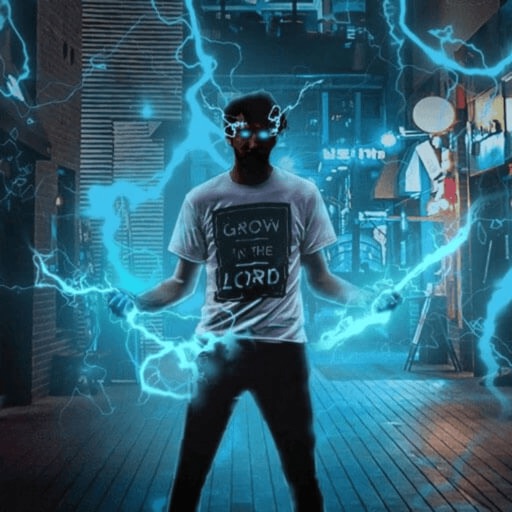
Record and edit videos with visual and templates. Add elements like dragons, magic circles, and space scenes. Include such as fire, laser, and lightning. Export and share edited videos directly.
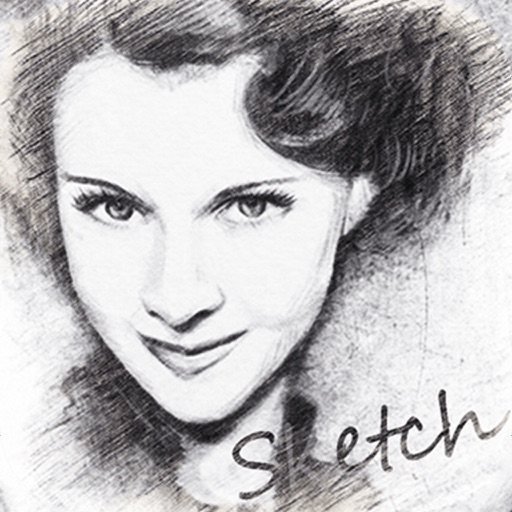
Convert photos into sketches or cartoon avatars using 50+ effects like , Memory Style, and Old Movie Style. Apply 50+ cartoon effects to create humorous or artistic images. Save and share the edited photos directly.
Create videos from photos with customizable animations and music. Choose from themed effects or add personal audio. Edit sequences, adjust timings, and share finished videos directly.